





 Daily Commute
 Lightweight & Portable
 Performance Rides
 Comfort With Seat
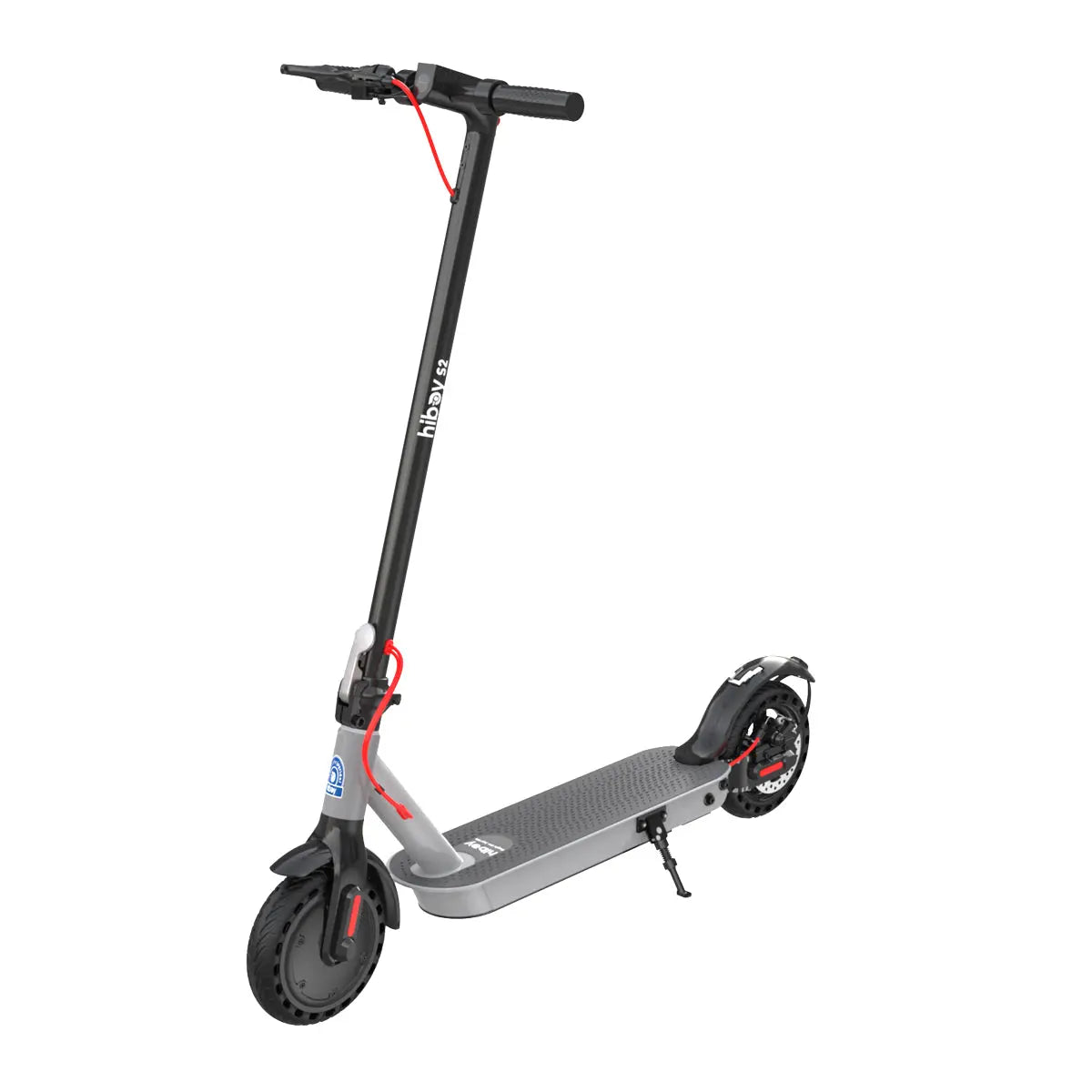 S2
S2
 S2 Pro
 MAX Pro
 KS4 Pro
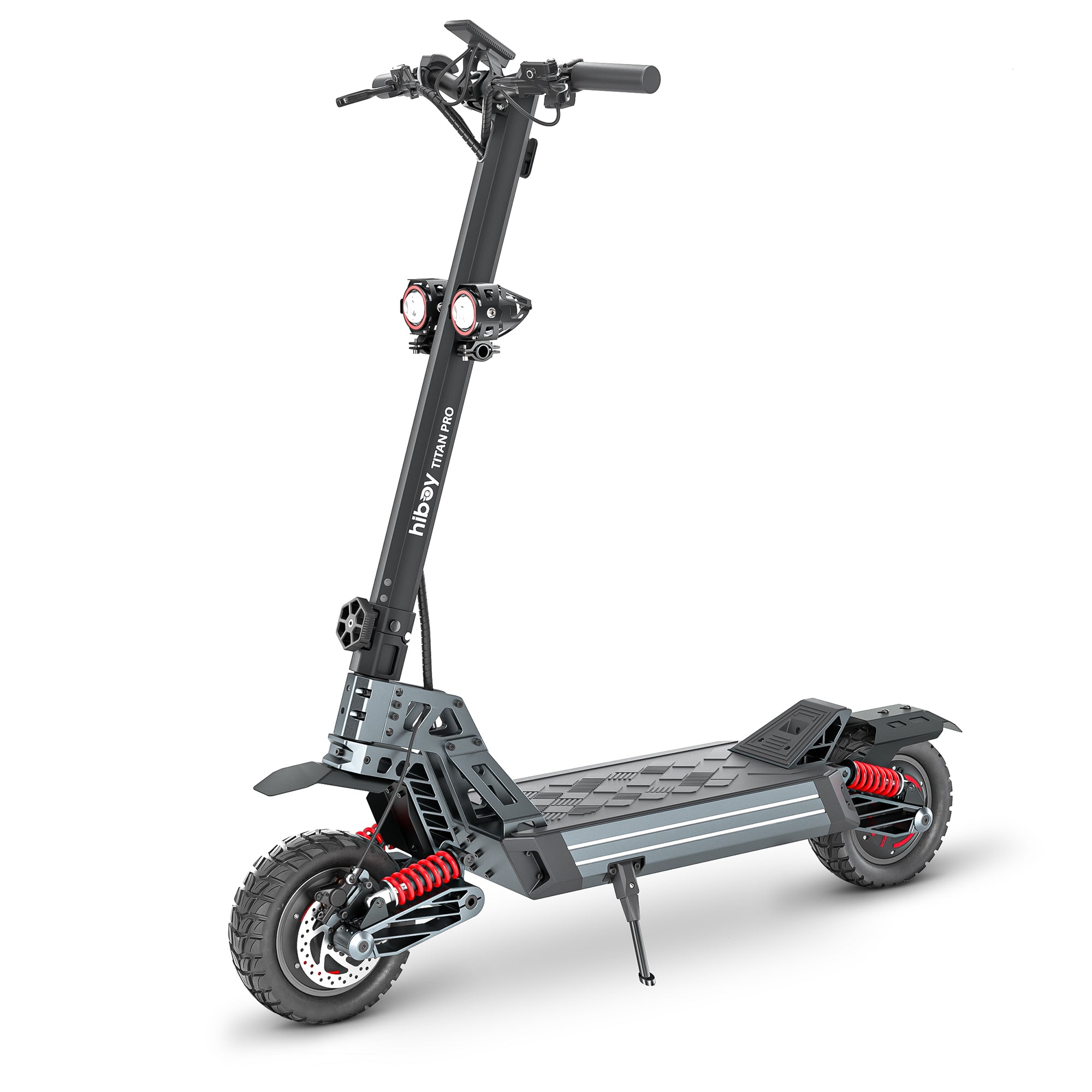 TITAN PRO
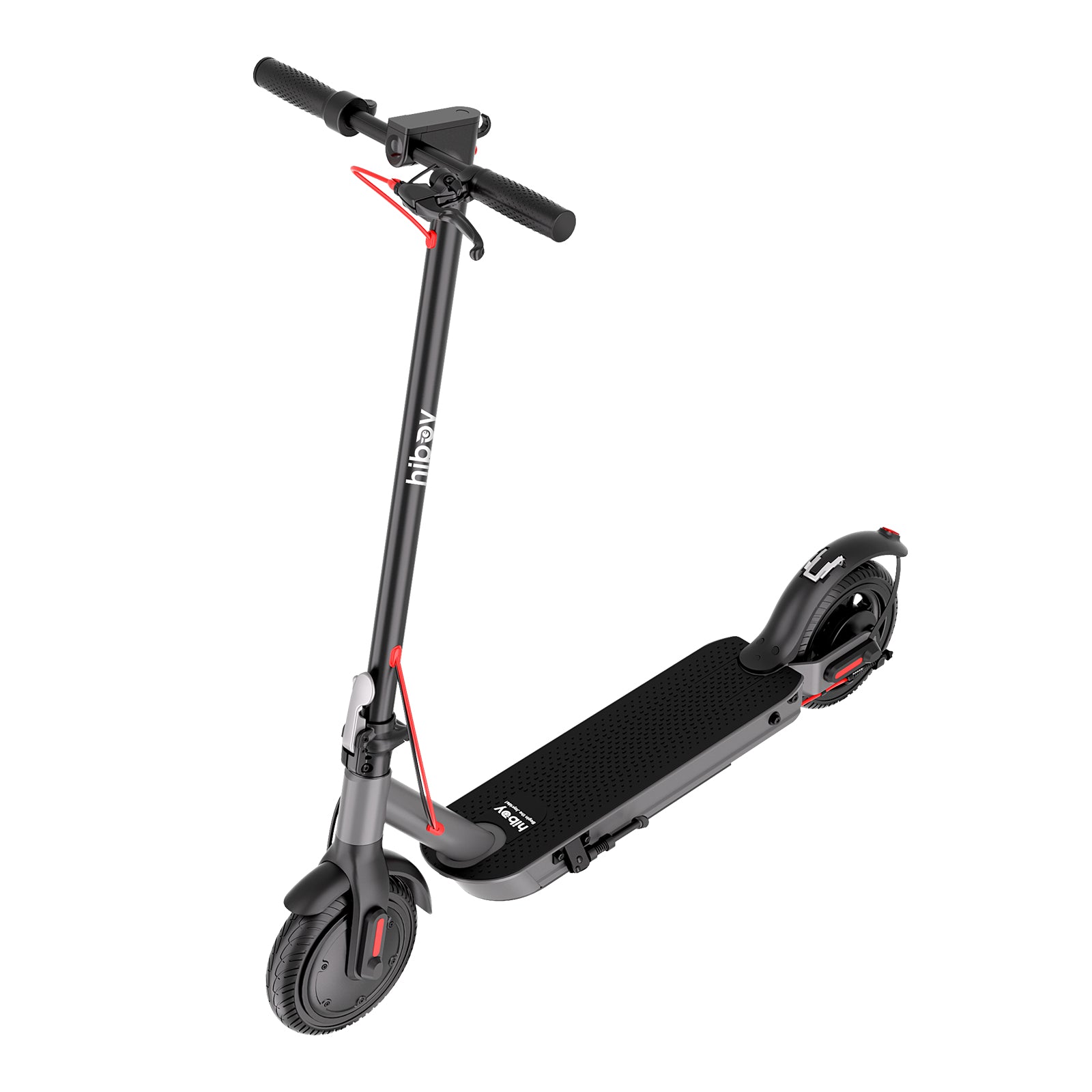 S2 Nova
 Compare Models
 Find Your Best Ride
 Daily Commute
 Off-road & Trail
 Folding & Compact
 Fat Tire Rides
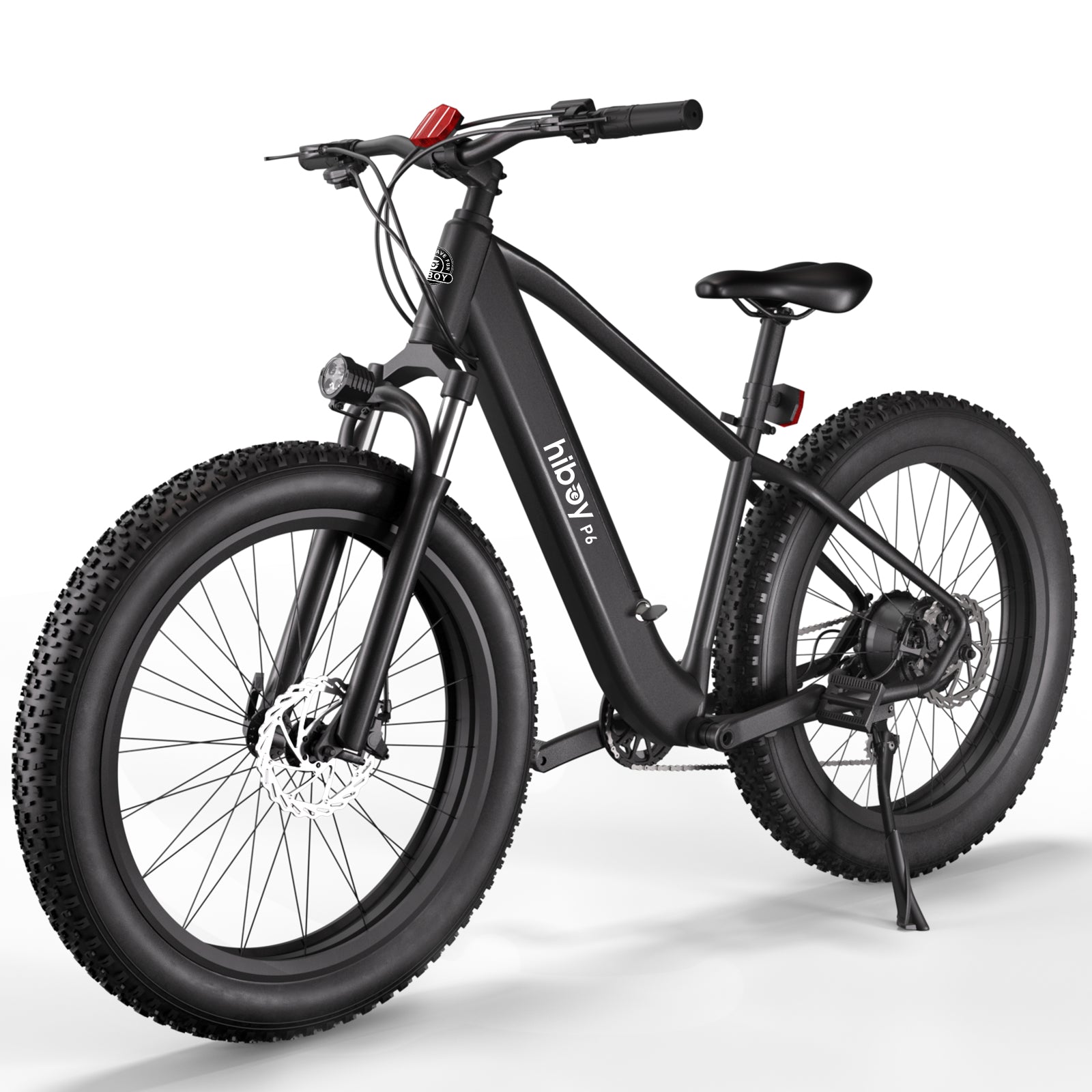 P6
P6
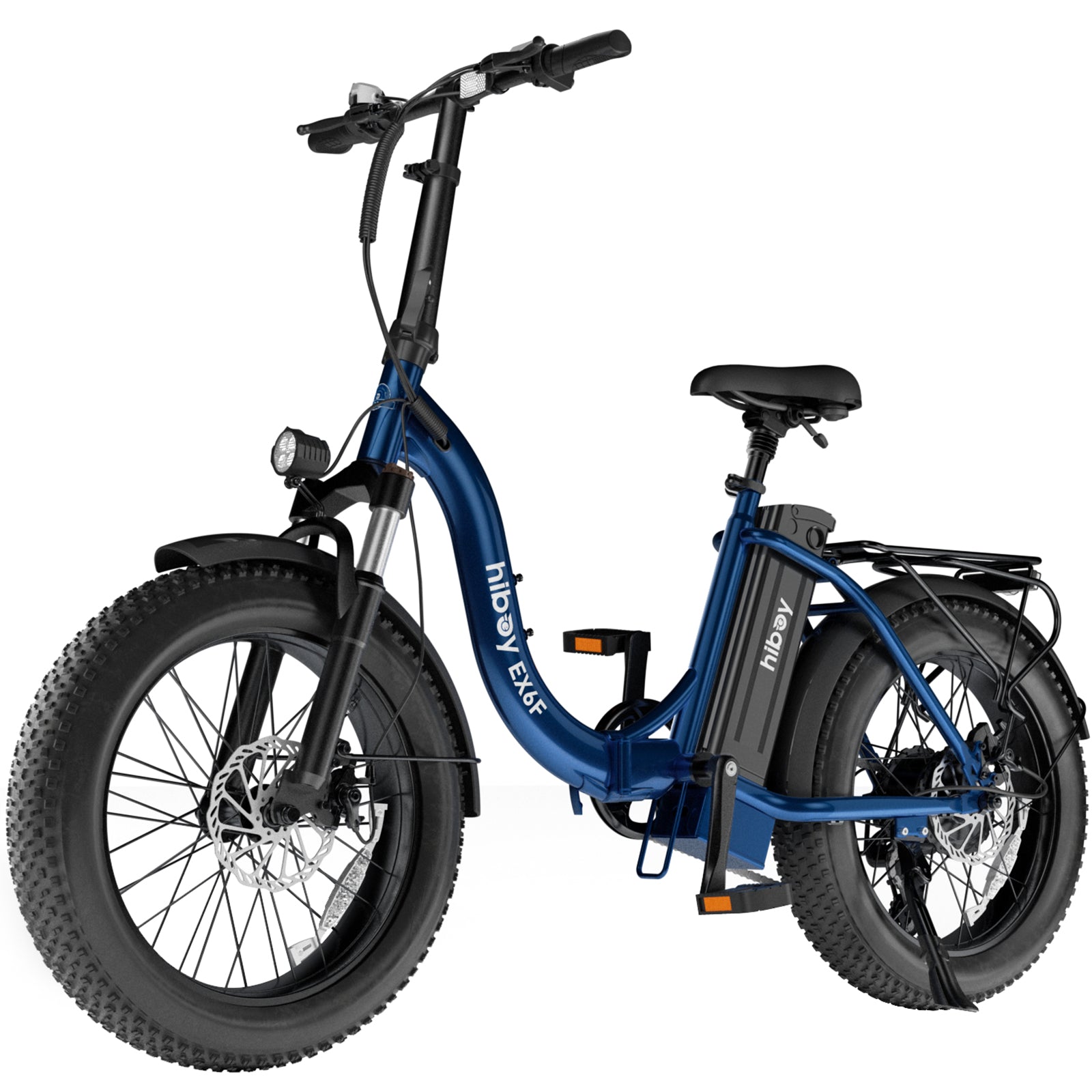 EX6F
EX6F
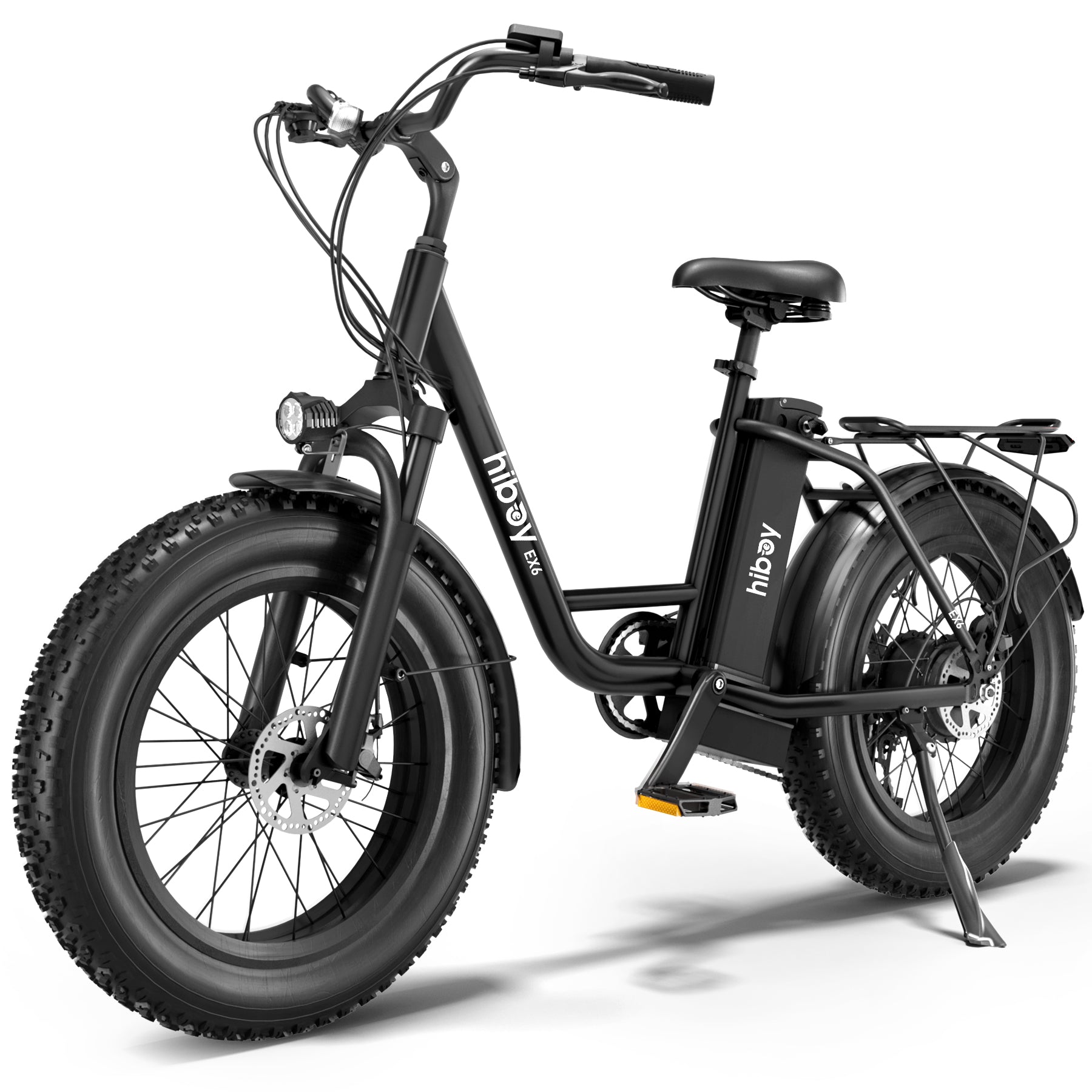 EX6
EX6
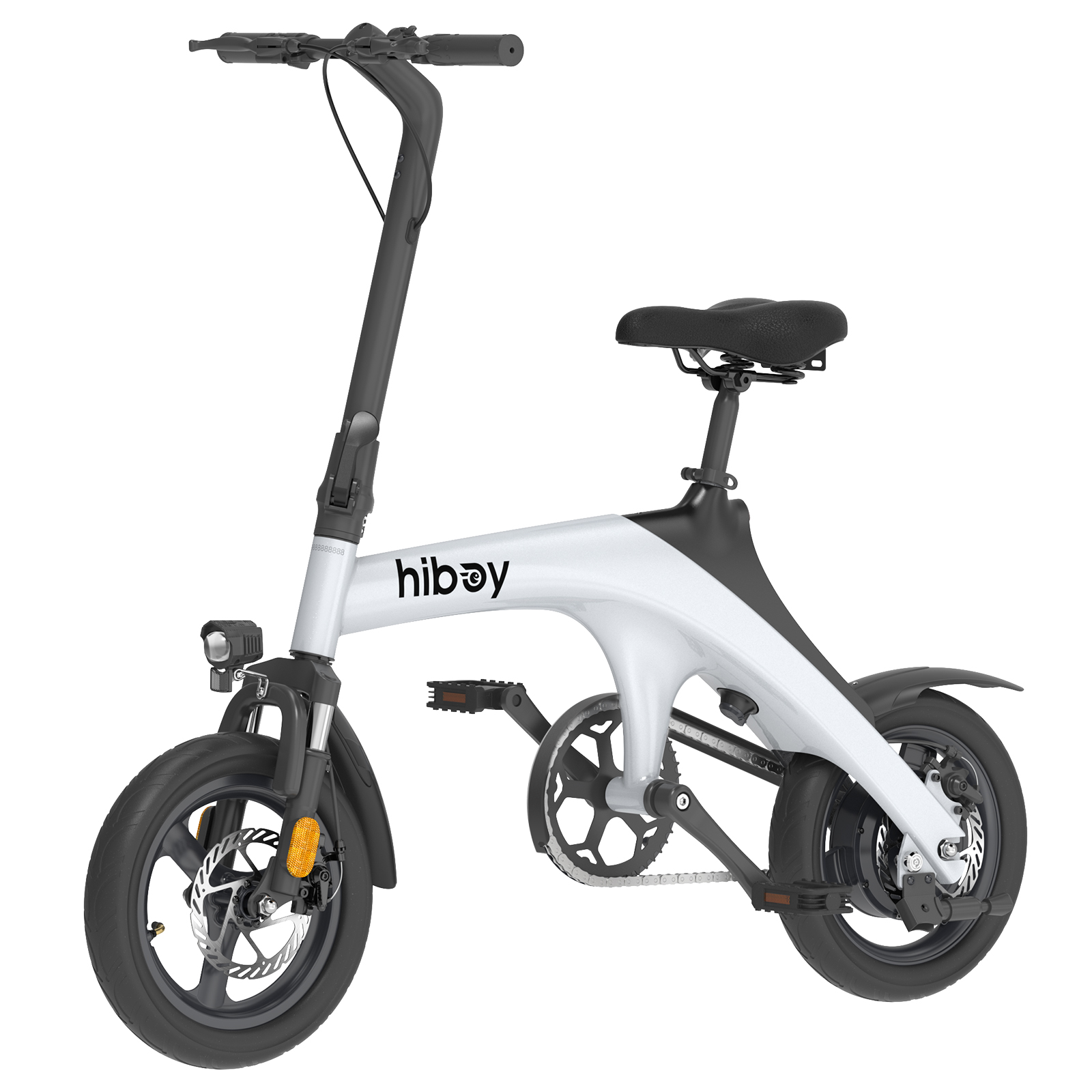 C1
C1
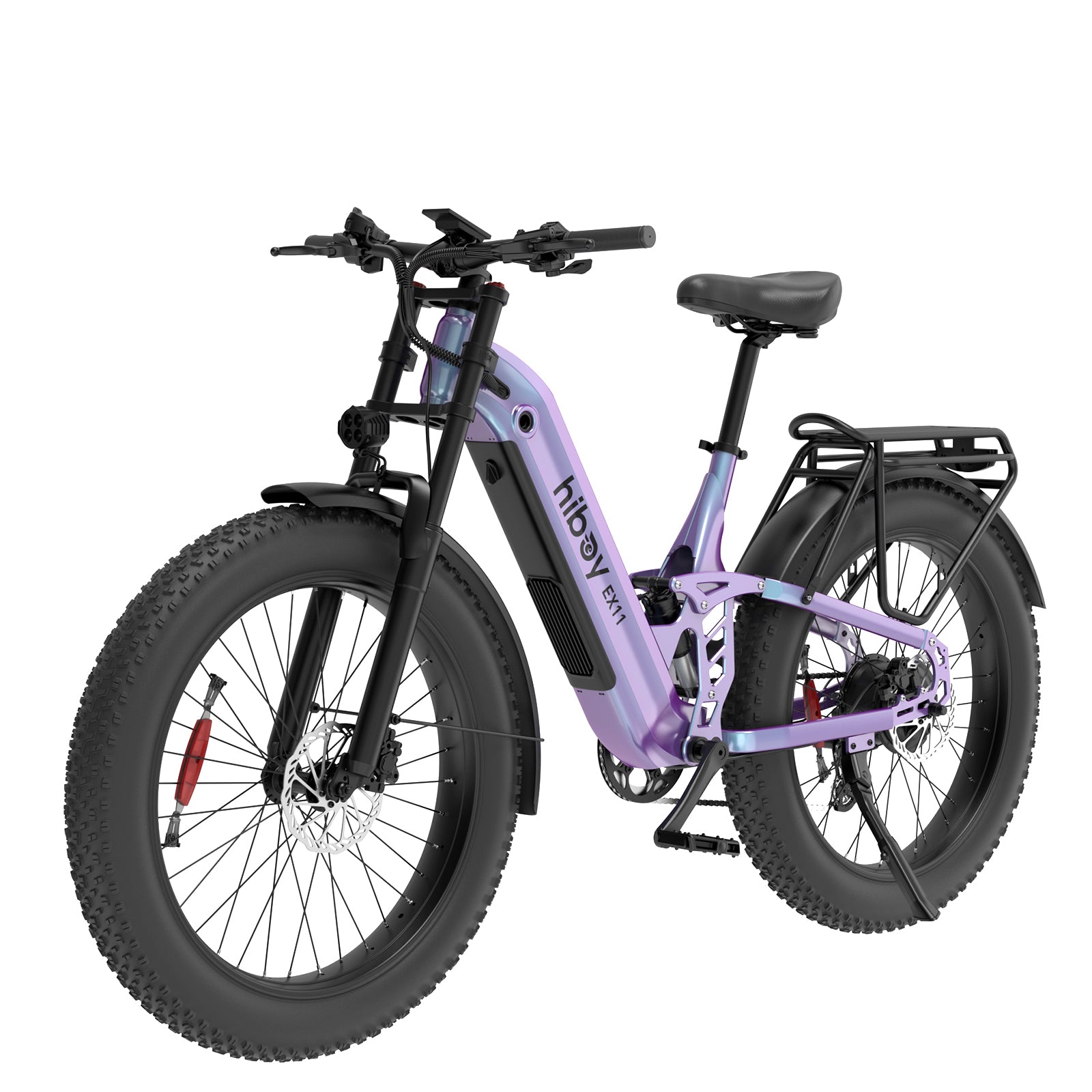 EX11
EX11
 EX9
EX9
 Compare Models
 First Rides
 Everyday Fun
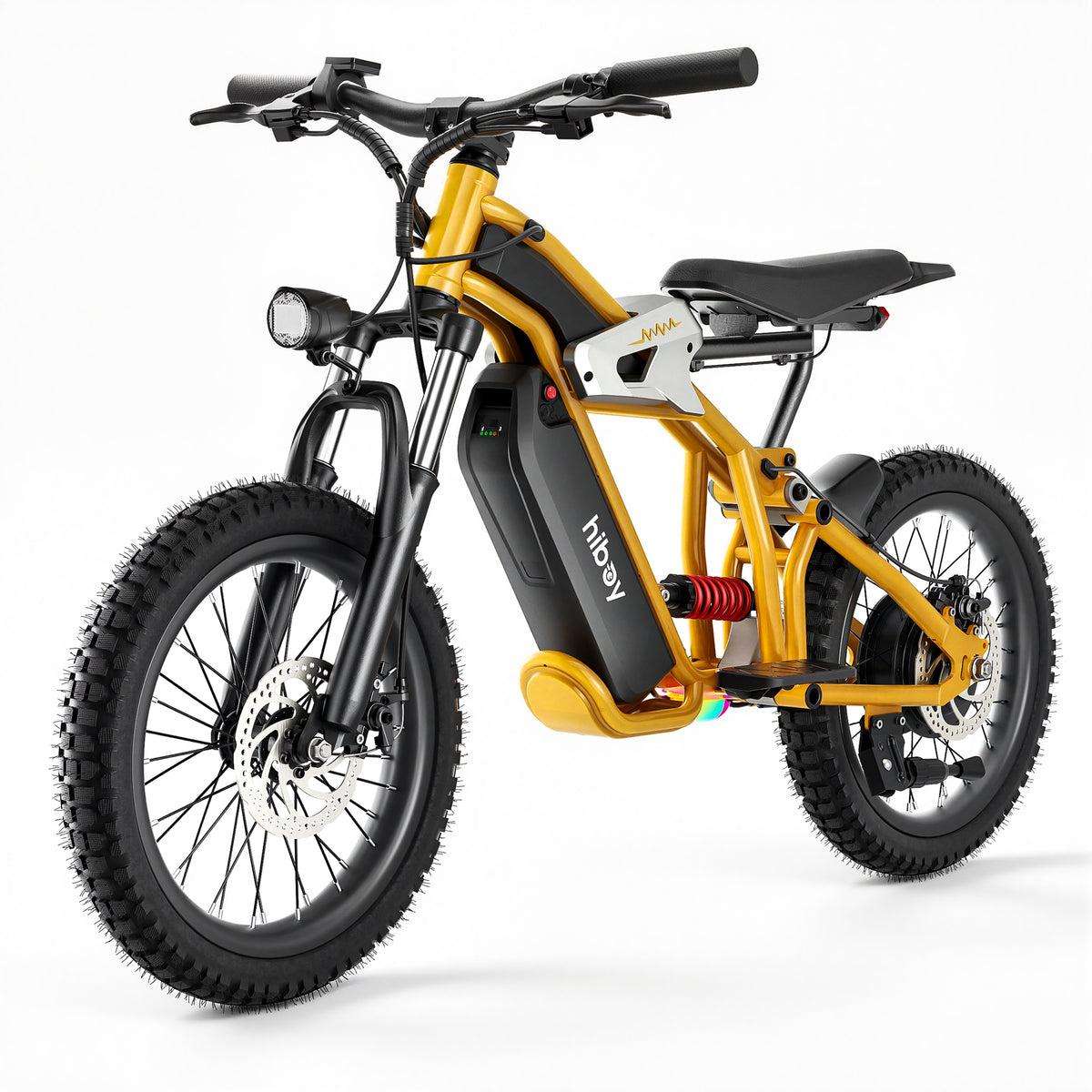 DM14
DM14
 S2 Lite
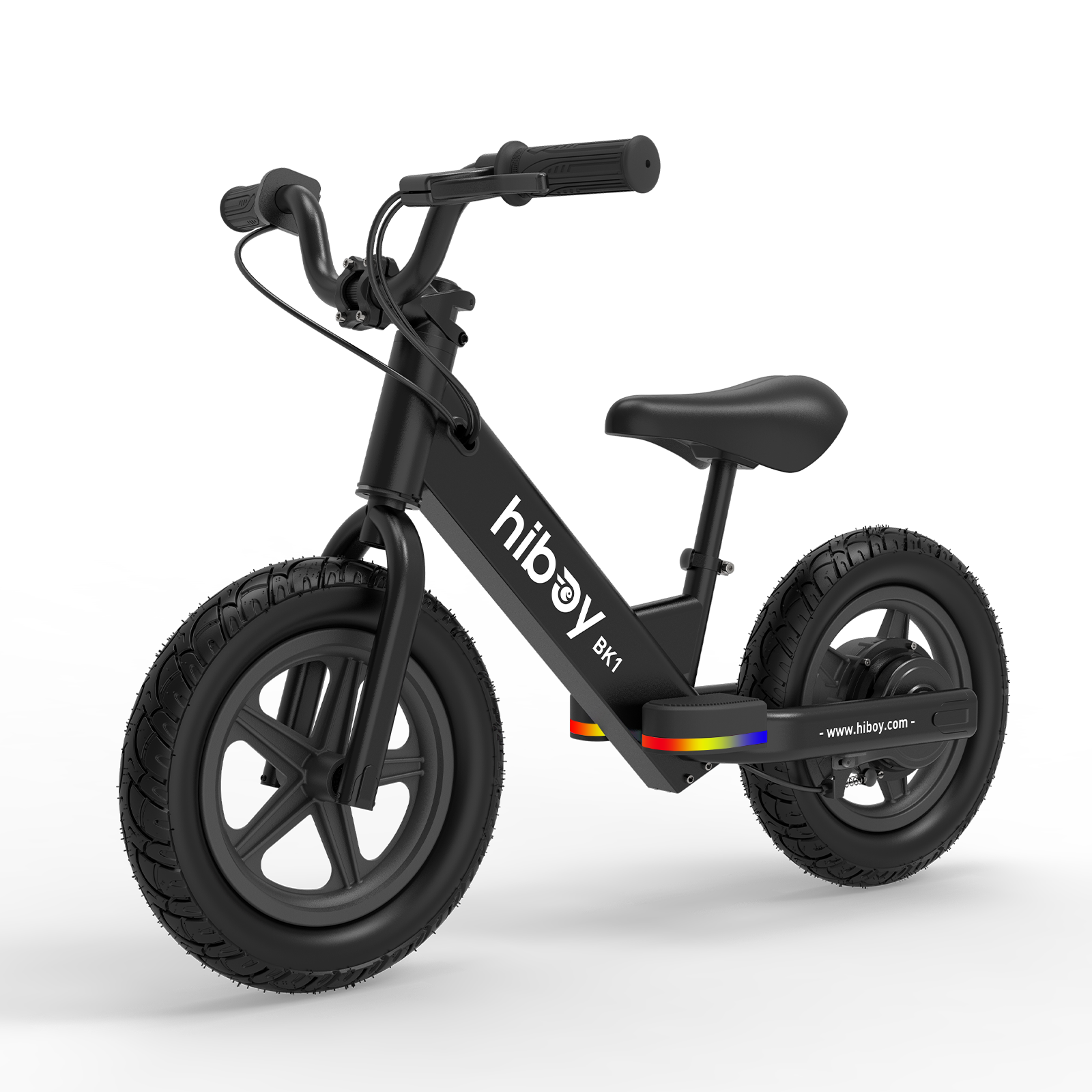 BK1
BK1
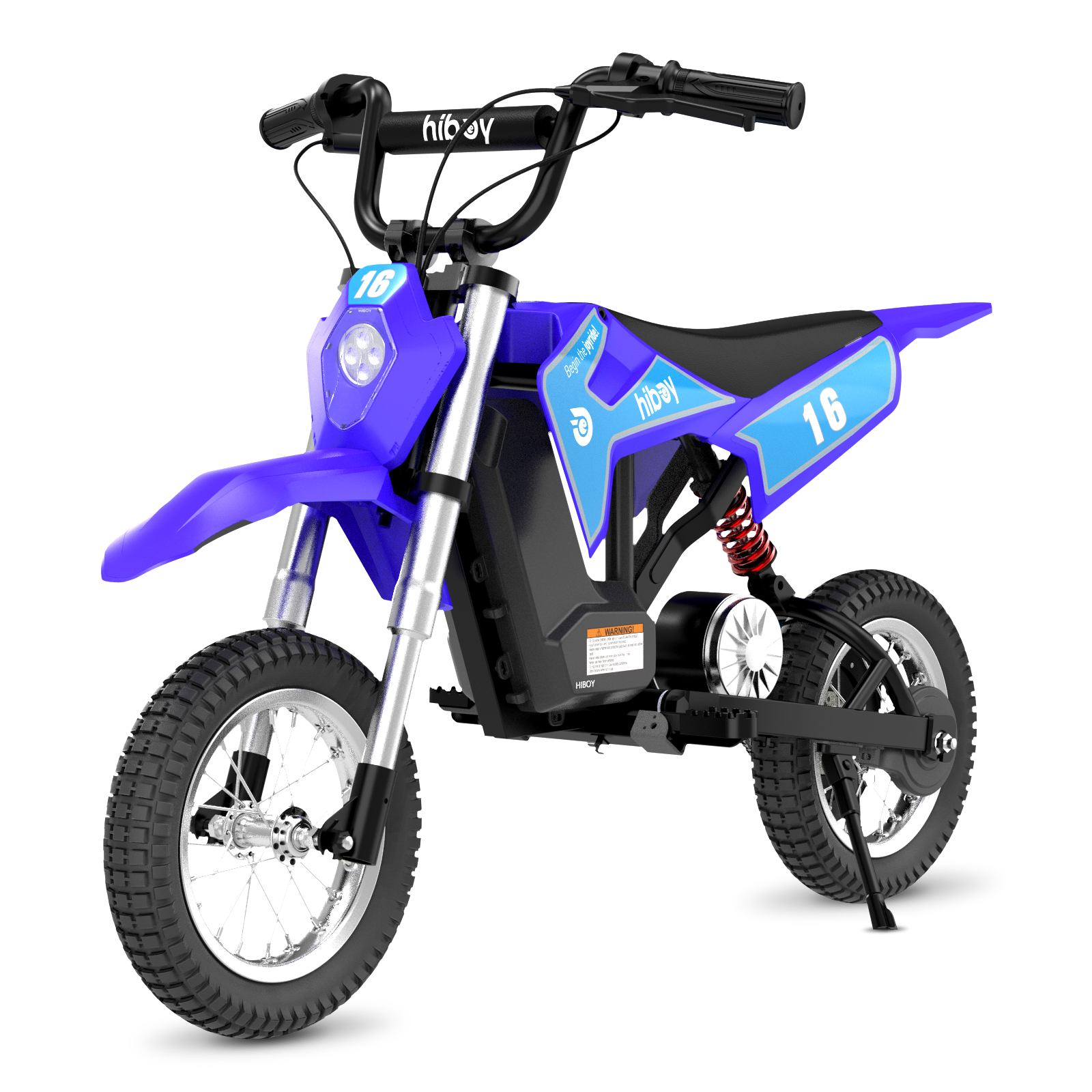 DK1
DK1
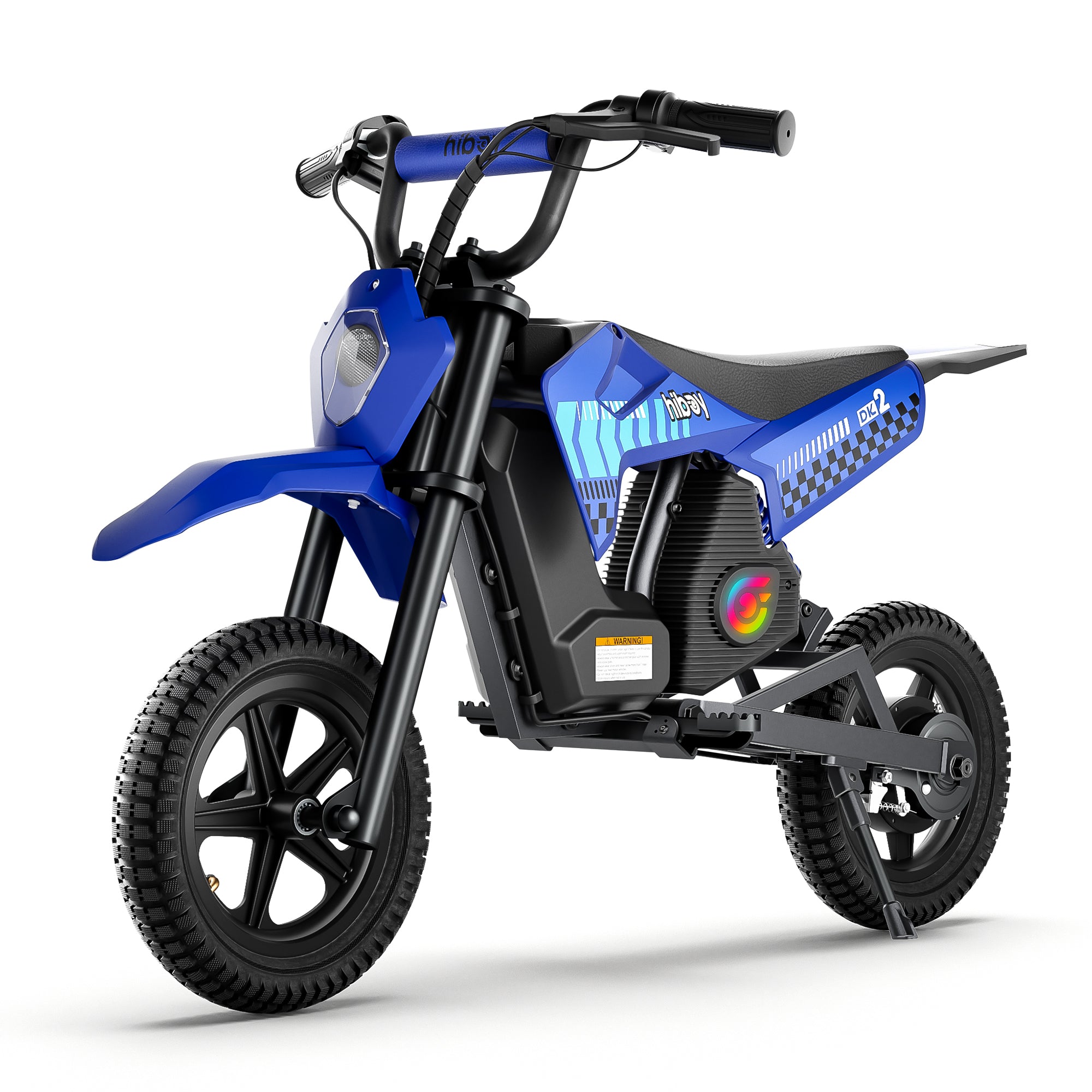 DK2
DK2
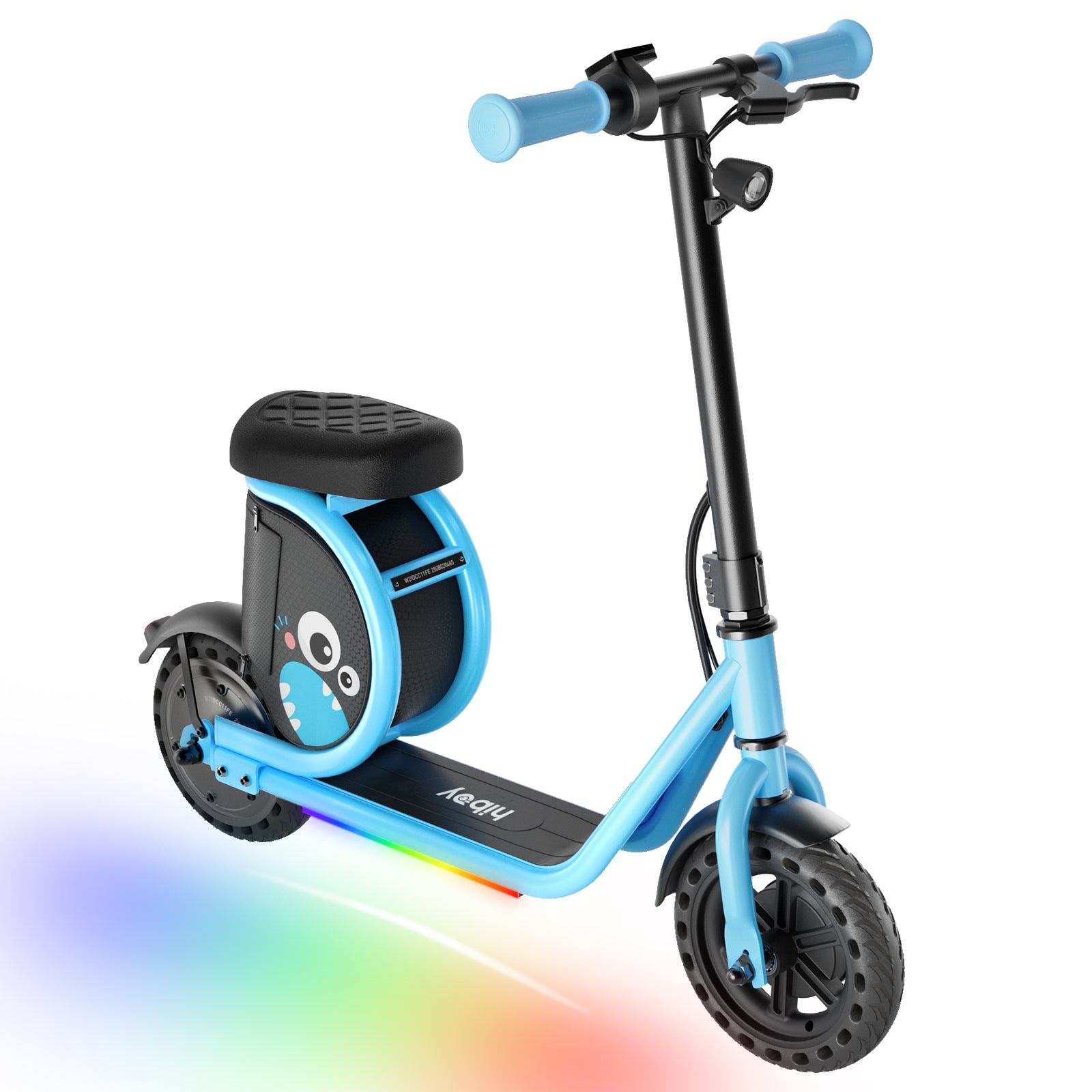 Joy Haul
 Compare Models
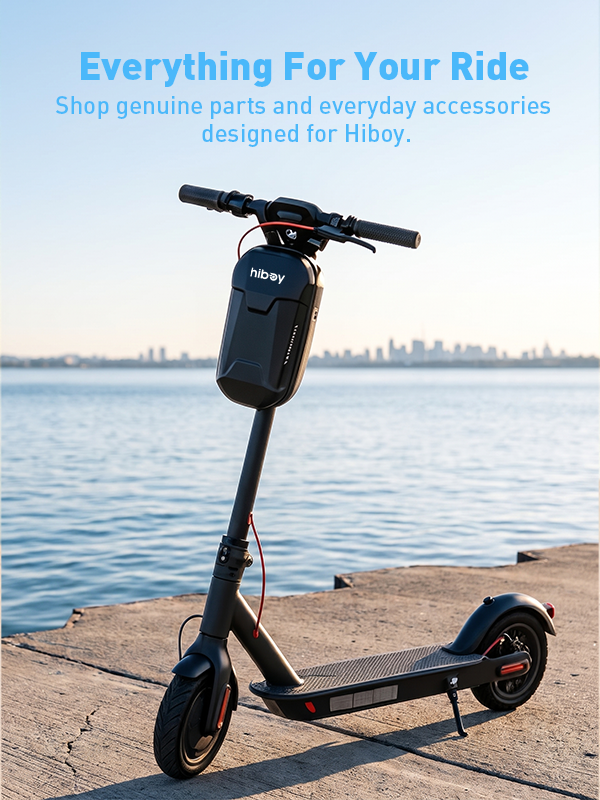
The Hiboy S2 has been one of Hiboy’s top-selling electric scooters since its launch, thanks to its balance of performance, portability, and value. As its popularity has grown, so have customer questions.
To help both new and existing riders, we’ve gathered the most frequently asked questions about the Hiboy S2 and answered them in detail below, from folding and charging to speed modes, app connection, and locking tips.
Q1. How to Fold the Hiboy S2 Scooter
Folding the Hiboy S2 is quick and easy, making it ideal for commuting and storage.

To Fold the Scooter
- Make sure the scooter is completely turned off.
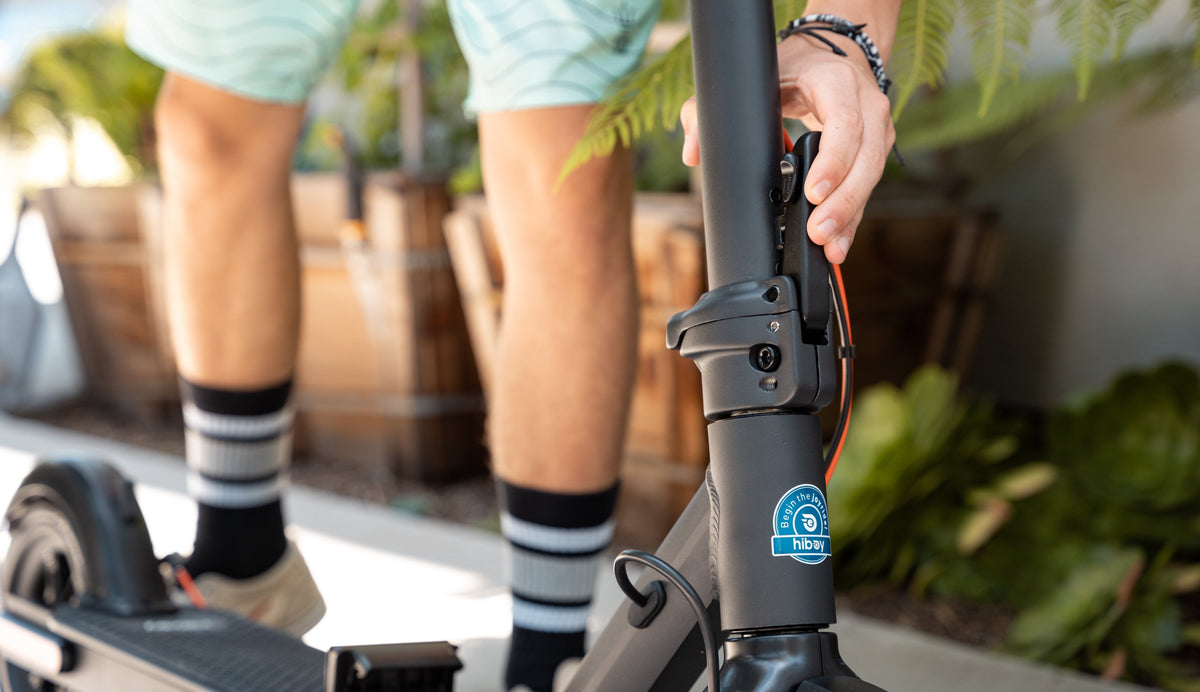
- Locate and unlock the folding mechanism at the base of the handlebar stem.
- Gently bend the handlebar stem downward.
- Hook the stem clamp onto the rear fender latch to secure it in the folded position.
To Unfold the Scooter
- Unhook the stem from the rear fender clamp.
- Lift the handlebar stem to an upright position.
- Lock the folding mechanism securely before riding.
Q2.Is the Hiboy S2 Waterproof?
The Hiboy S2 has an IPX4 water-resistance rating, meaning it can handle light splashes from any direction.
Important notes:
- IPX4 is not fully waterproof
- Not recommended for riding in rain, snow, or icy conditions
- Avoid puddles, wet roads, and heavy moisture exposure
Riding in wet conditions can increase the risk of electrical damage and reduce overall scooter lifespan.
Q3. How Fast Does the Hiboy S2 Go?

The Hiboy S2 offers two speed modes:
Green S Mode
- Max speed: 13 mph
- Ideal for beginners or crowded areas
Red S Mode (Sport Mode)
- Max speed: 19 mph
- Designed for experienced riders and open roads
You can switch between modes by double-clicking the power button.
Q4. How to Charge the Hiboy S2
Charging the Hiboy S2 properly helps extend battery life and ensures safe operation.
Charging Steps
- Open the rubber charging port cover
- Insert the charger plug firmly
- Plug the charger into a power outlet
When charging is complete, remove the charger and secure the rubber cover
Charging Indicator
- 🔴 Red light = Charging
- 🟢 Green light = Fully charged
The scooter will automatically stop charging once full, but long-term overcharging is not recommended.
Tip: For a detailed guide on charging your Hiboy electric scooter, check out this post 👉 Everything You Need to Know about Charging Hiboy Electric Scooters.
Safety Tips
- Never charge if the port is wet
- Always cover the charging port when not in use
- Avoid leaving the scooter plugged in for extended periods
Q5. How Long Does the Hiboy S2 Take to Charge?
The Hiboy S2 typically takes 4 to 6 hours to fully charge.
Charging overview:
- Average charging time: ~5 hours
- Battery: 36V 7.5Ah lithium-ion
- Charger light turns green when charging is complete
Charging time may vary depending on battery health, usage habits, and remaining charge level. You do not need to drain the battery completely before recharging.
Q6. How to Connect the Hiboy S2 to the App
The Hiboy S2 connects to the Hiboy App via Bluetooth, allowing you to control settings and monitor performance.
Step-by-Step Connection Guide
- Download the “Hiboy” app from the App Store or Google Play
- Turn on your scooter
- Enable Bluetooth on your phone
- Open the Hiboy app and log in or create an account
- Tap “Add Device”
- Select your scooter from the scan list
- Enter the default password: 888888
- Confirm the connection when the scooter appears on the home screen
Troubleshooting Tips
- Ensure you installed the correct app
- Keep your phone close to the scooter
- Restart both the scooter and your phone
- Toggle Bluetooth on and off
Tip: Some users find the initial setup works better with Wi-Fi or mobile data enabled. If you have other questions, please refer to our detailed troubleshooting guide or contact customer support directly.
Q7. How to Lock the Hiboy S2 Scooter
Electronic Lock (App-Based)
You can electronically lock the scooter through the Hiboy app:
- Open the app
- Tap the lock icon or “Park” function
- This disables the motor and prevents riding
Note: This does not prevent physical theft. For a detailed guide on securing your electric scooter, check out this post 👉 How to Lock an Electric Scooter: A Comprehensive Guide.
Physical Lock (Recommended)
For real theft protection:
- Use a U-lock or heavy-duty chain
- Secure the frame or stem to a fixed object (bike rack, pole)
- Avoid thin cable locks
The built-in folding lock is for portability, not theft prevention.
Q8. How to Make the Hiboy S2 Faster
The maximum speed of the Hiboy S2 is 19 mph, and it cannot exceed this limit.

To ensure you’re reaching top speed:
- Double-click the power button to switch to Red S (Sport) Mode
- Check the app to ensure the speed limit wasn’t accidentally lowered
- Make sure the battery is sufficiently charged
Other factors that affect top speed:
- Rider weight (recommended under 220 lbs)
- Road conditions (flat terrain works best)
- Battery level
With a full battery, proper mode, and flat roads, reaching 19 mph is normal.
Tip: Want to extend the range of your electric scooter? Check out this detailed guide 👉 How to Increase the Performance of an Electric Scooter.
Q9. How to Reset the Hiboy S2 Scooter
If your scooter experiences glitches or connectivity issues, a reset may help.
Reset steps:
- Turn off the scooter
- Locate the reset button (near the charging port or under the deck)
- Use a pin or small tool to press and hold for 5 seconds
- Release and wait a few seconds
- Turn the scooter back on
If problems persist after resetting, consult the user manual or contact Hiboy customer support.
Final Thoughts
The Hiboy S2 remains a popular choice because it’s easy to use, reliable, and packed with practical features. Understanding how to properly operate, charge, lock, and maintain your scooter will help you get the most out of your ride and extend its lifespan.
Whether you’re a first-time owner or considering buying one, we hope this FAQ guide answers your questions clearly and confidently.








Leave a comment
All comments are moderated before being published.
This site is protected by hCaptcha and the hCaptcha Privacy Policy and Terms of Service apply.