





 Daily Commute
 Lightweight & Portable
 Performance Rides
 Comfort With Seat
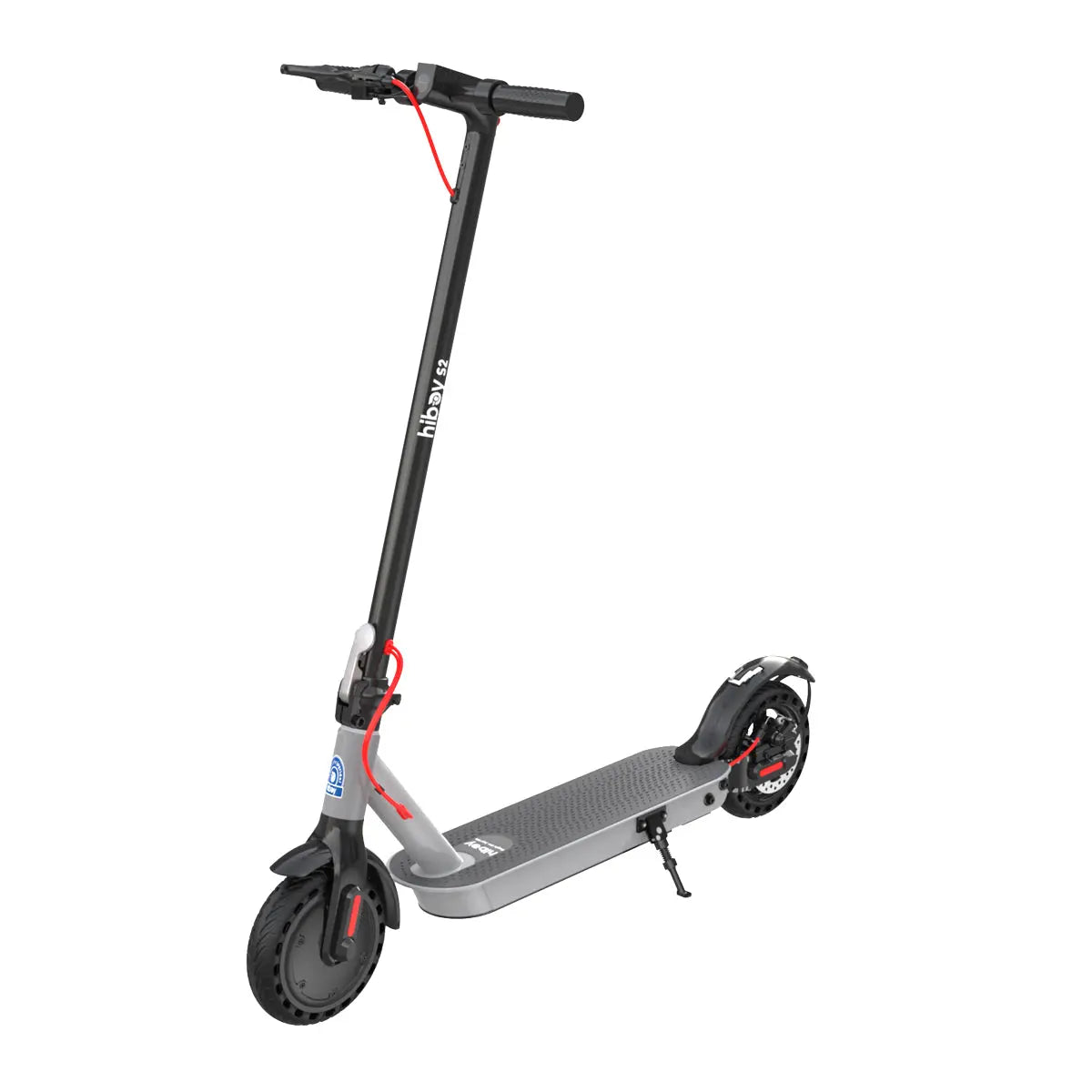 S2
S2
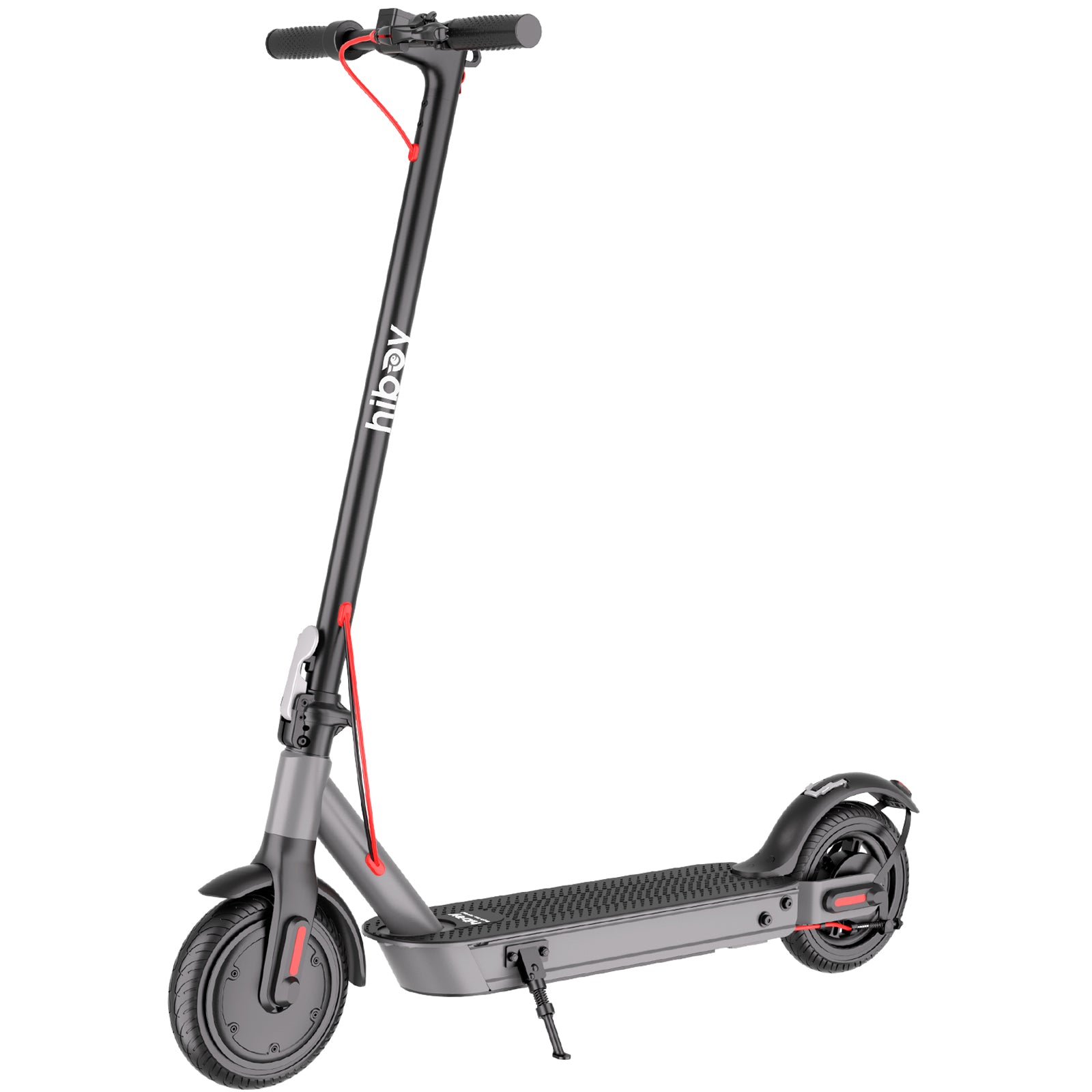 S3
S3
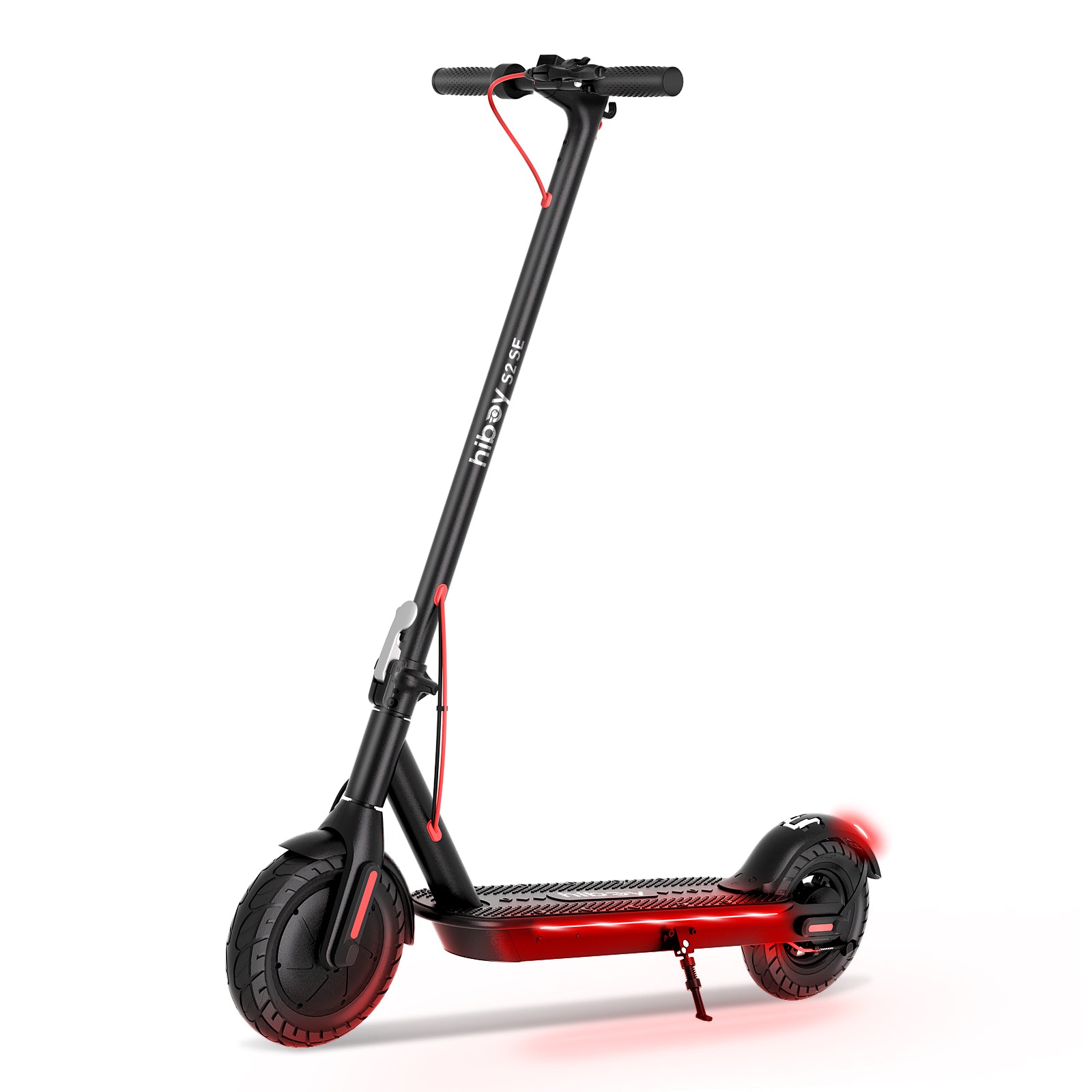 S2 SE
S2 SE
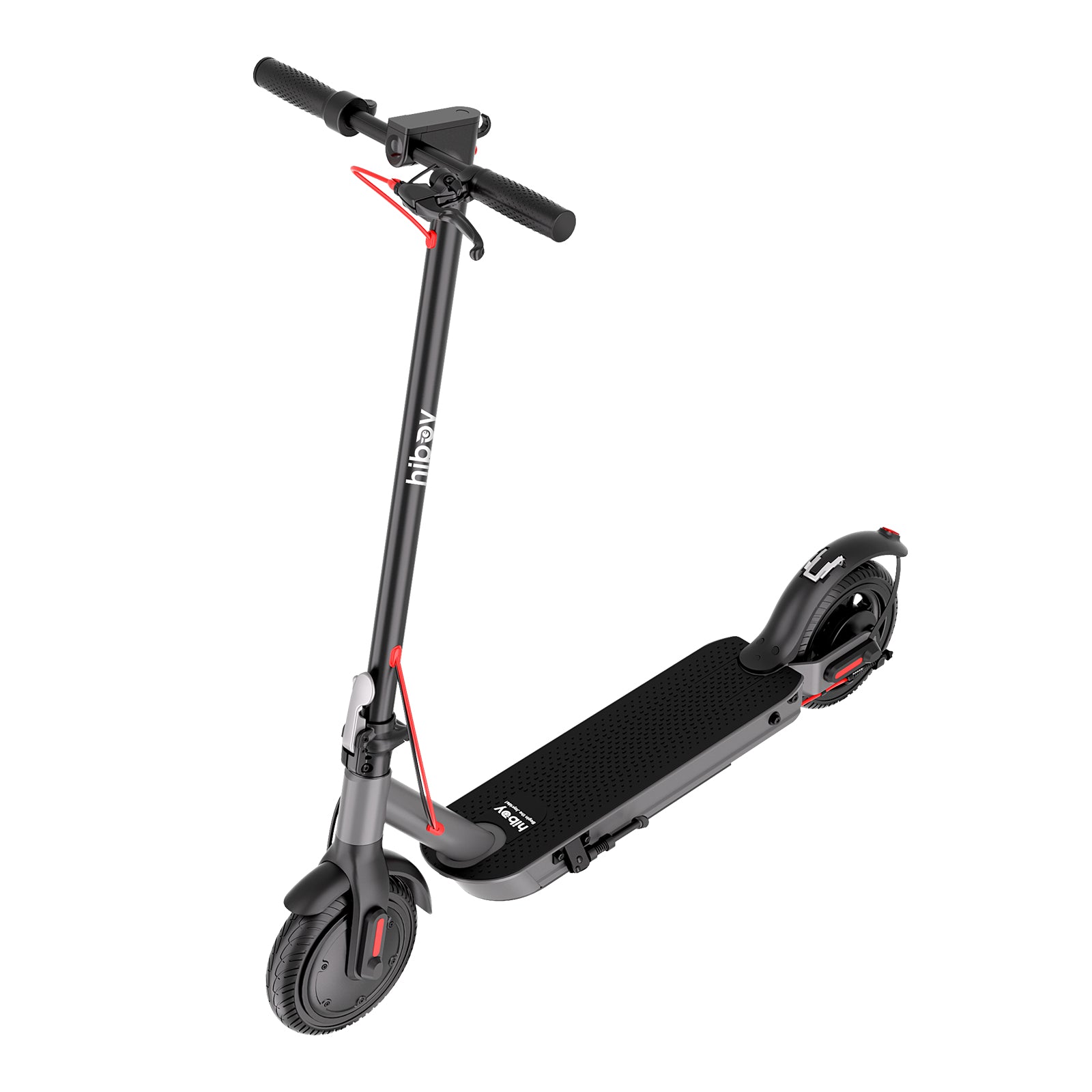 S2 Nova
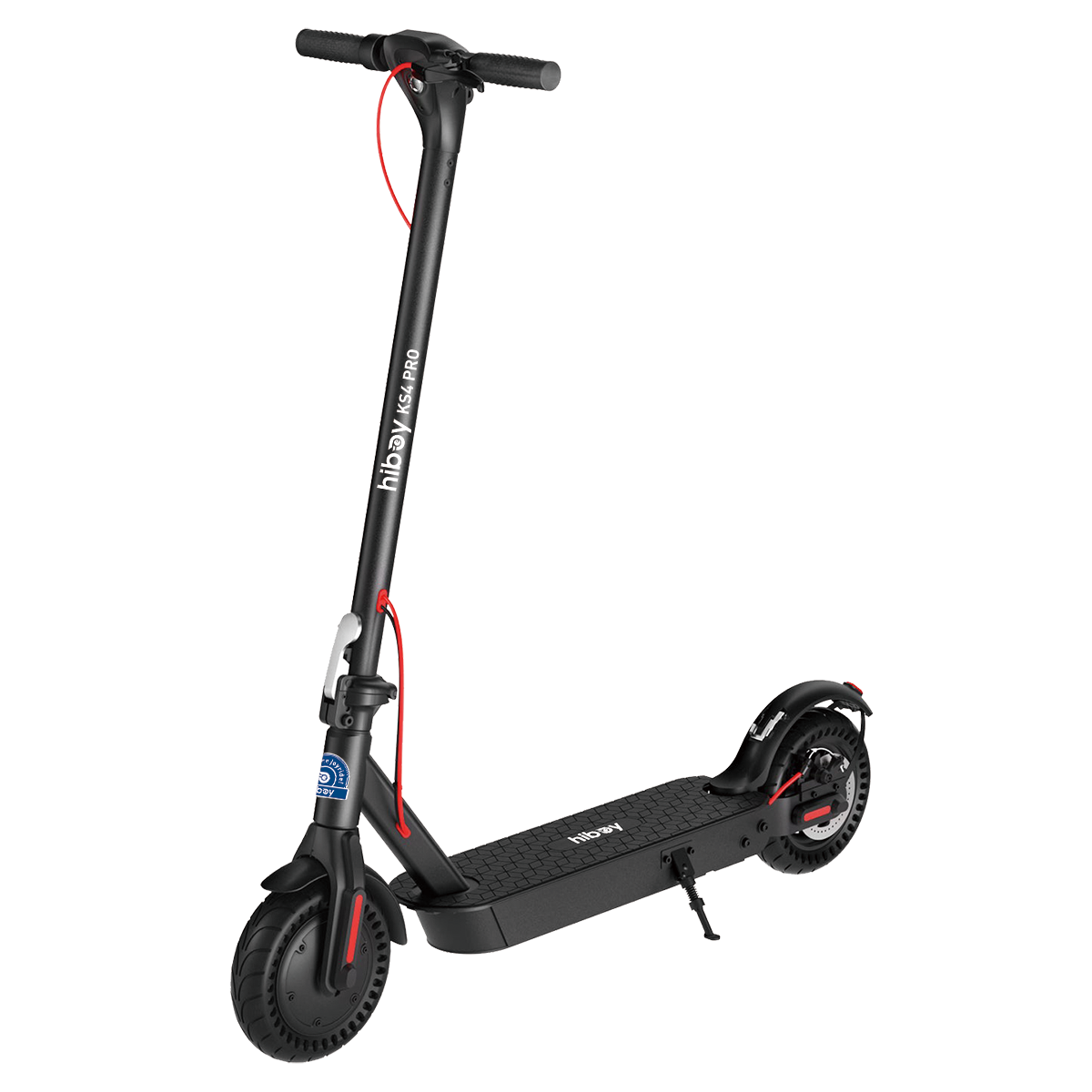 KS4 Pro
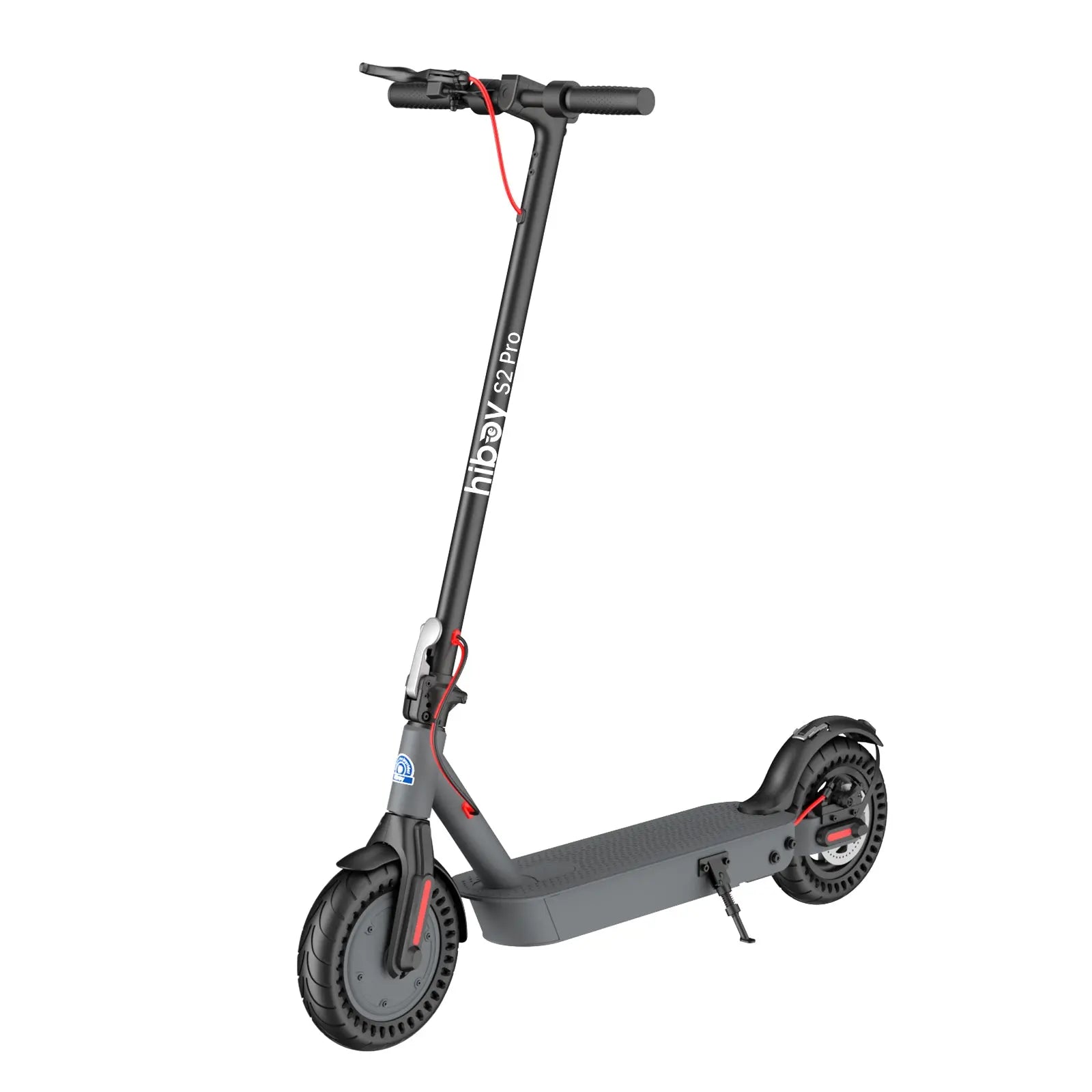 S2 Pro
 Compare Models
 Find Your Best Ride

 Daily Commute
 Off-road & Trail
 Folding & Compact
 Fat Tire Rides
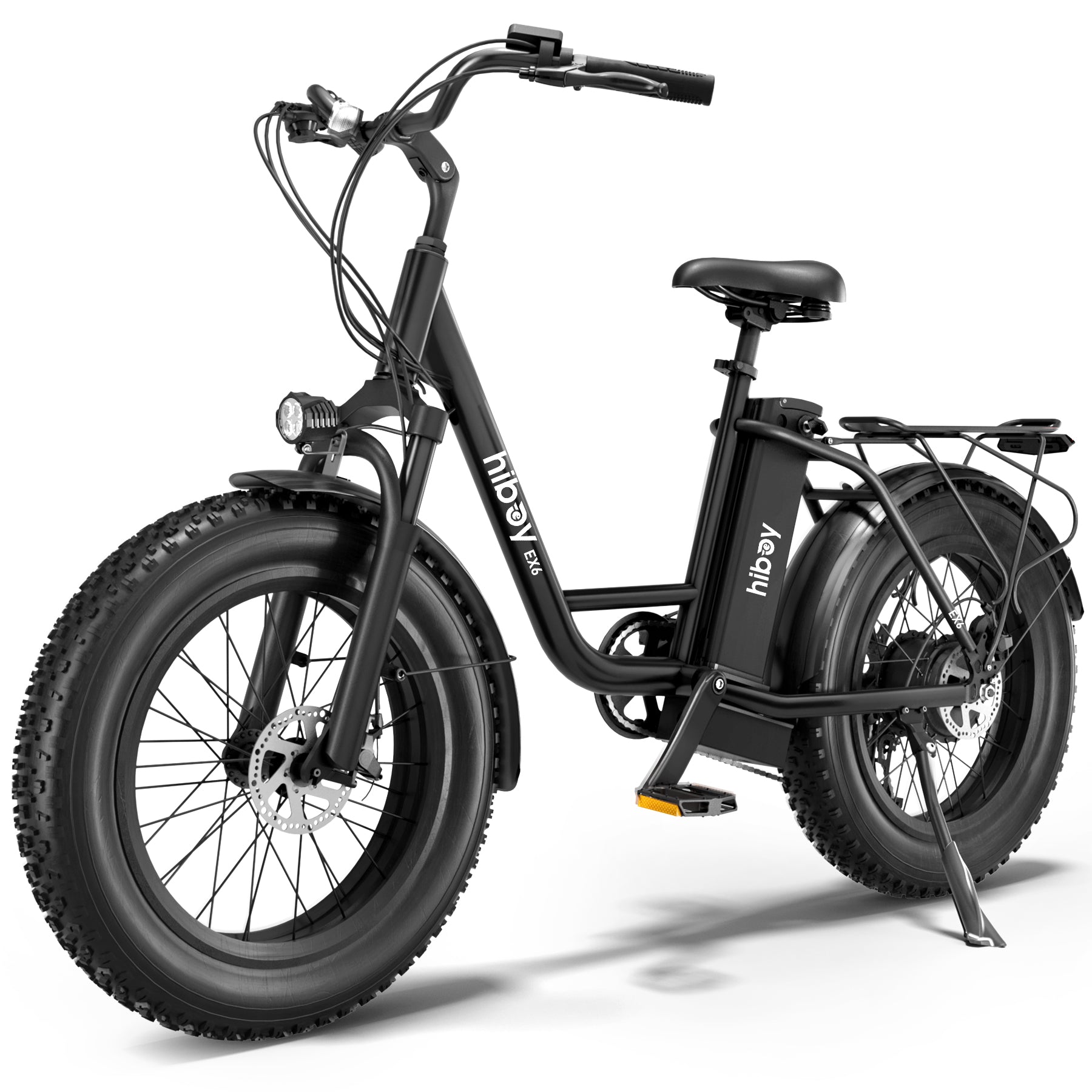 EX6
EX6
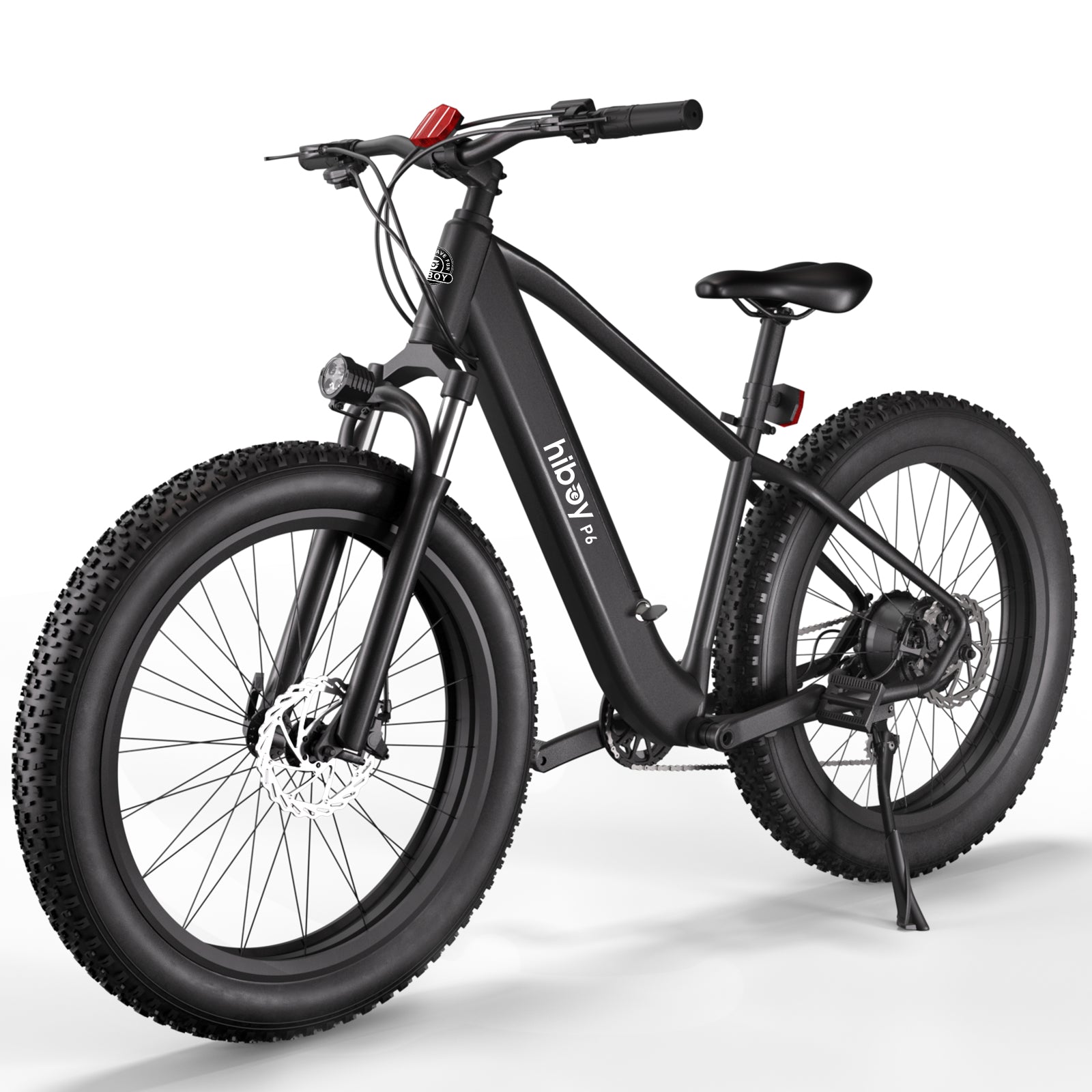 P6
P6
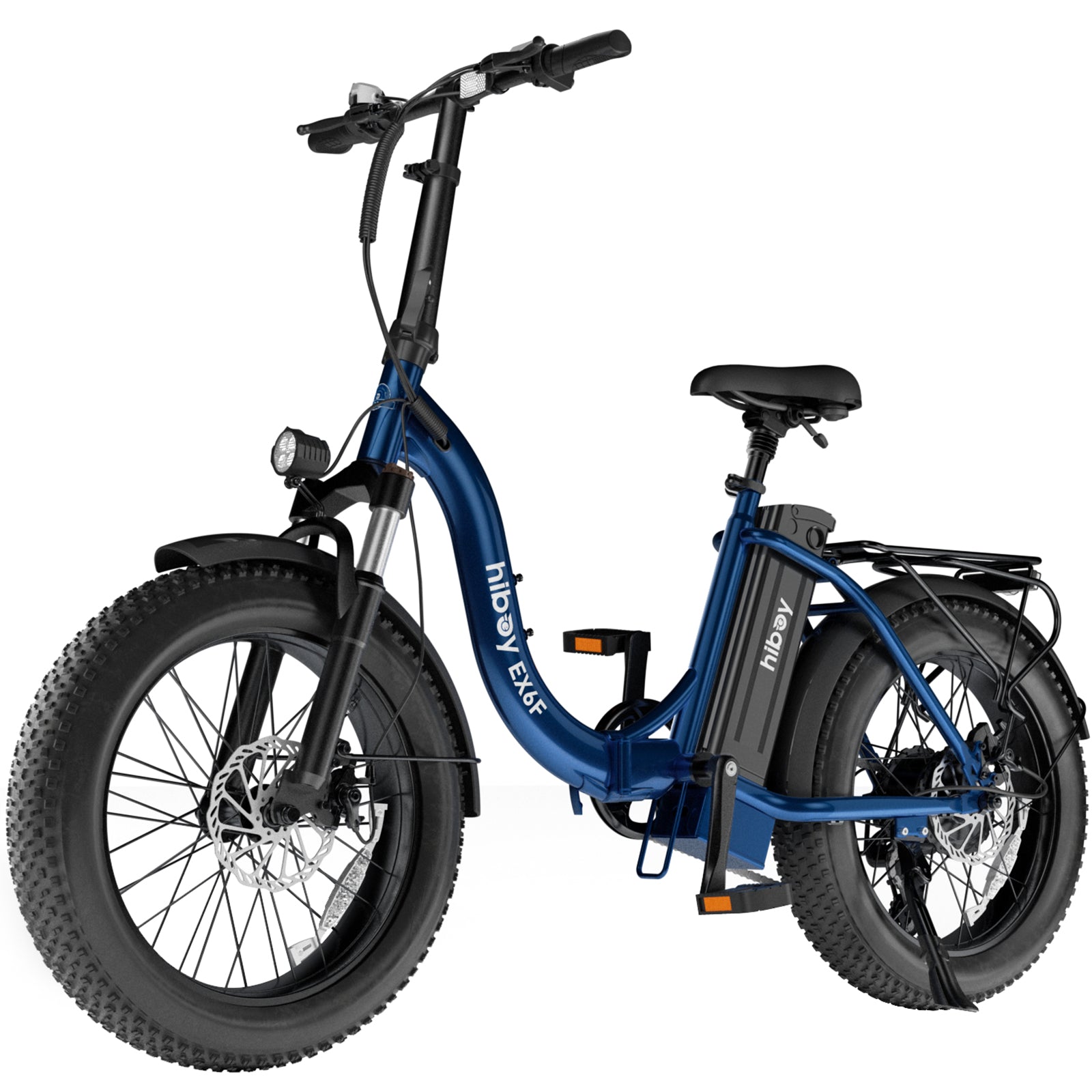 EX6F
EX6F
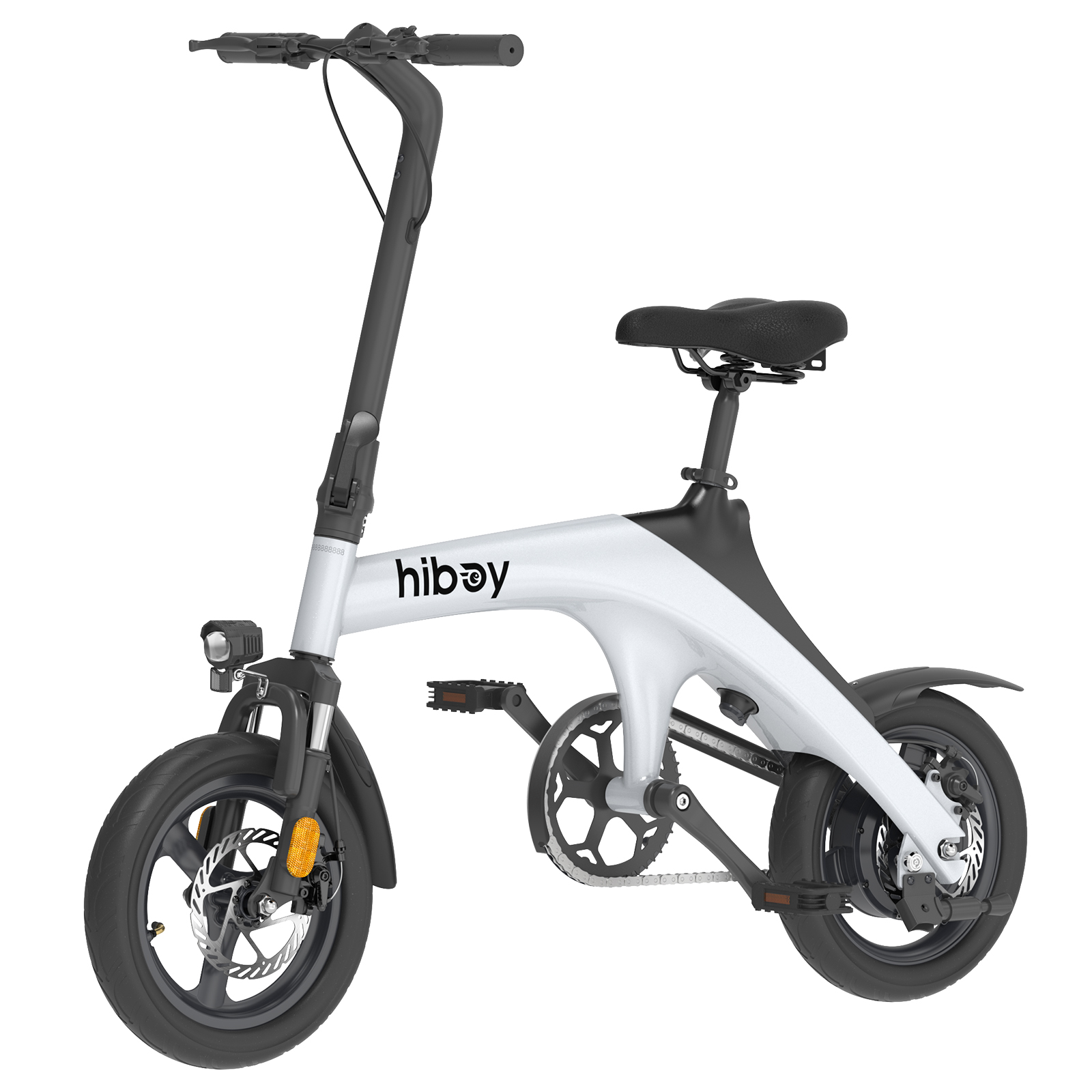 C1
C1
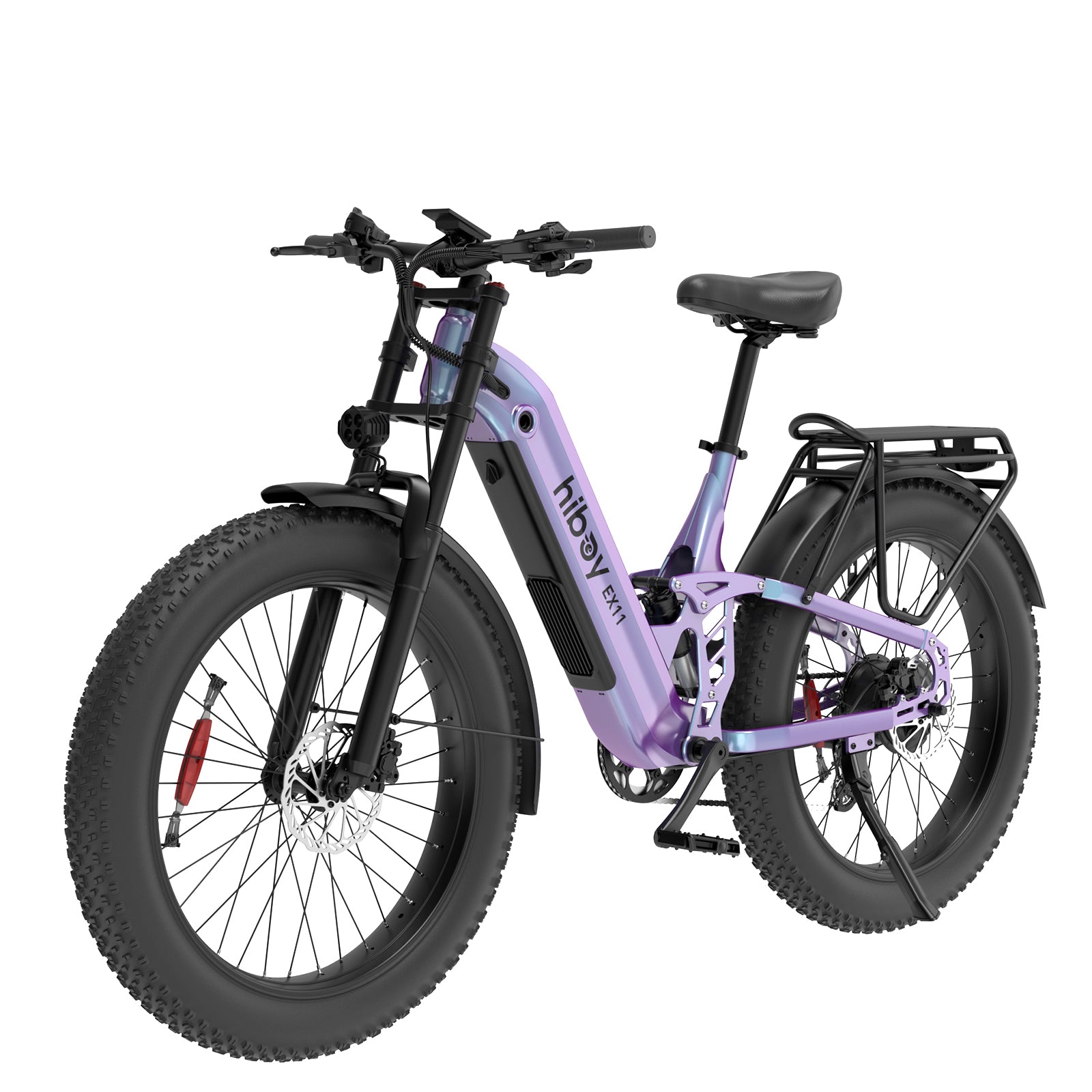 EX11
EX11
 EX9
EX9
 Compare Models
 First Rides
 Everyday Fun
 S2 Lite
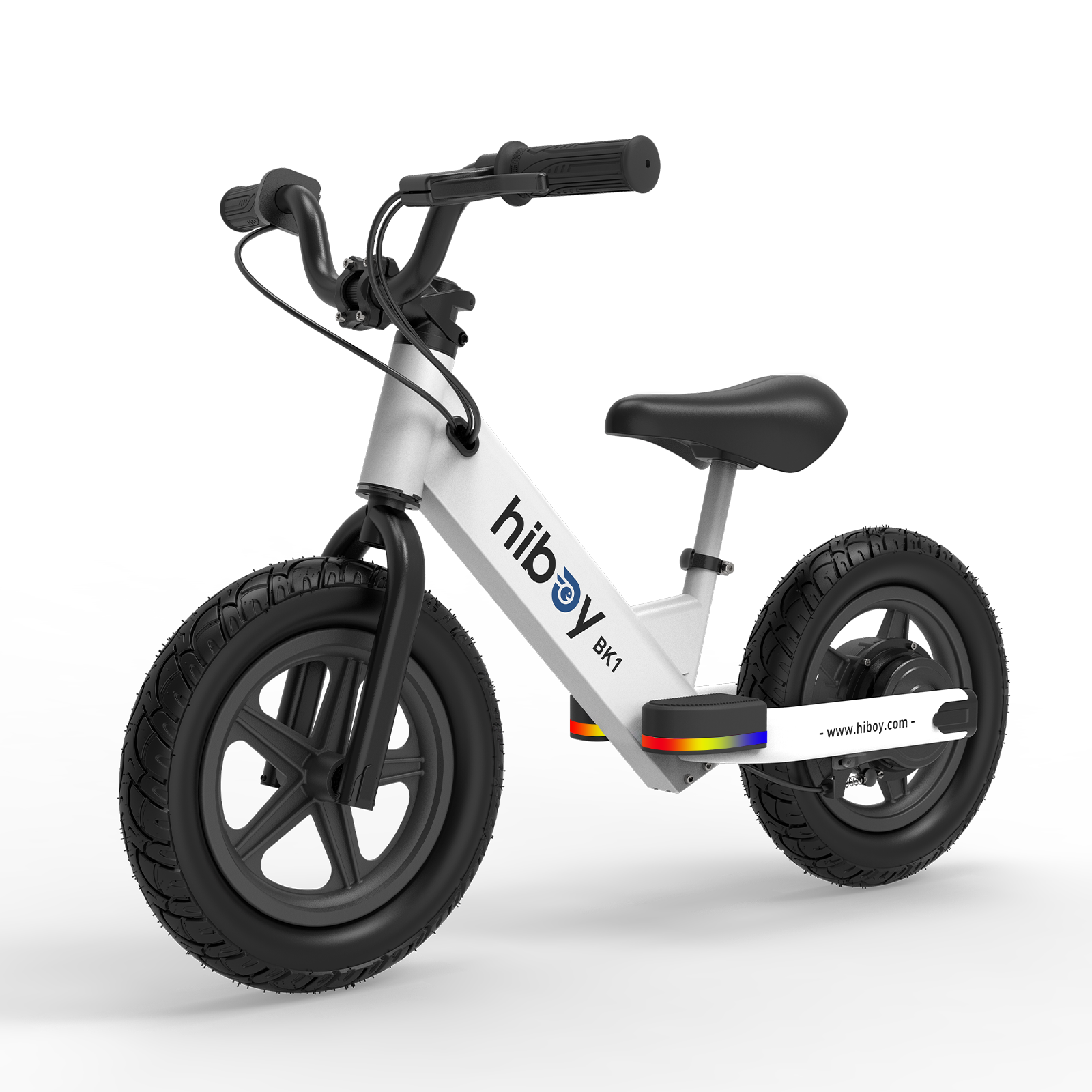 BK1
BK1
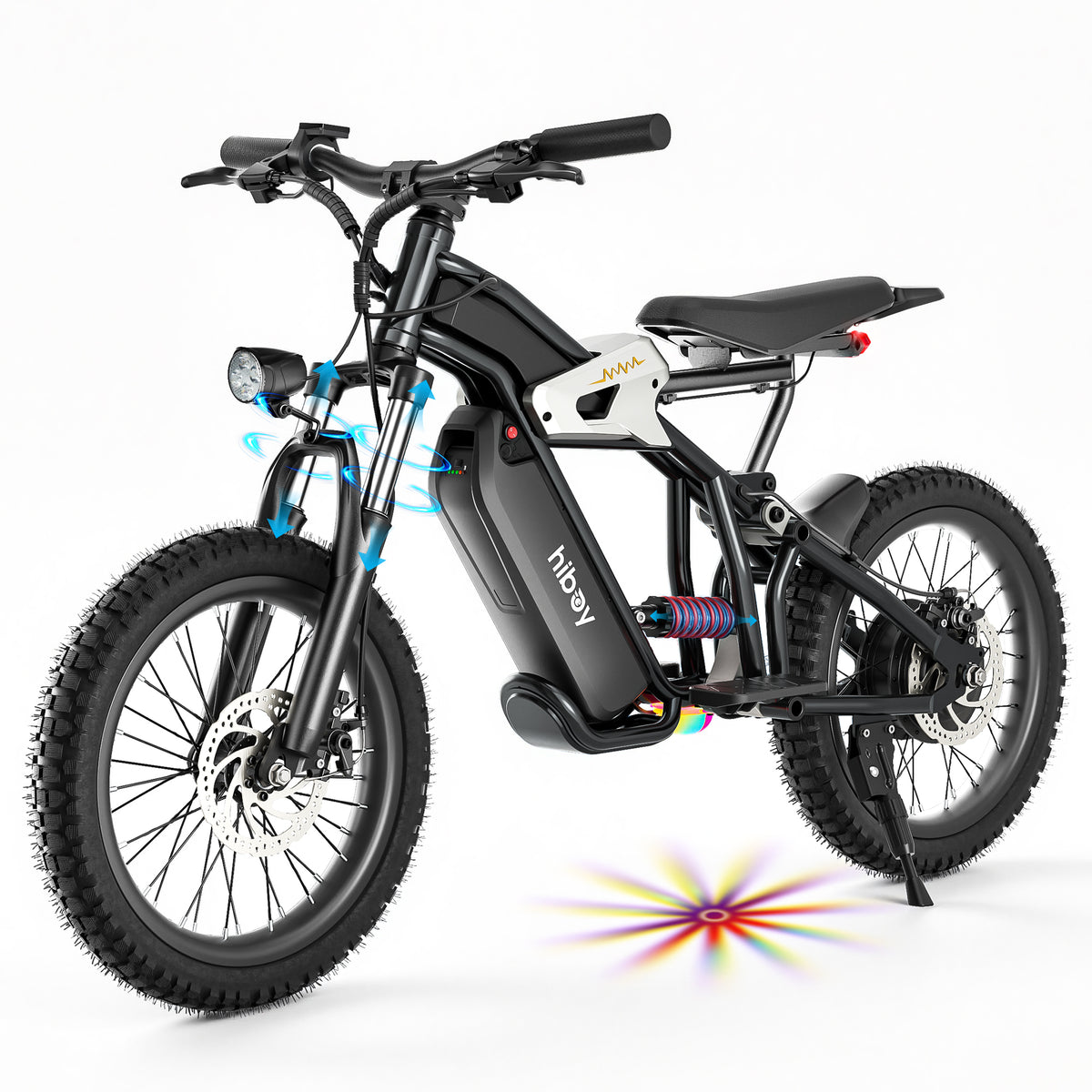 DM14
DM14
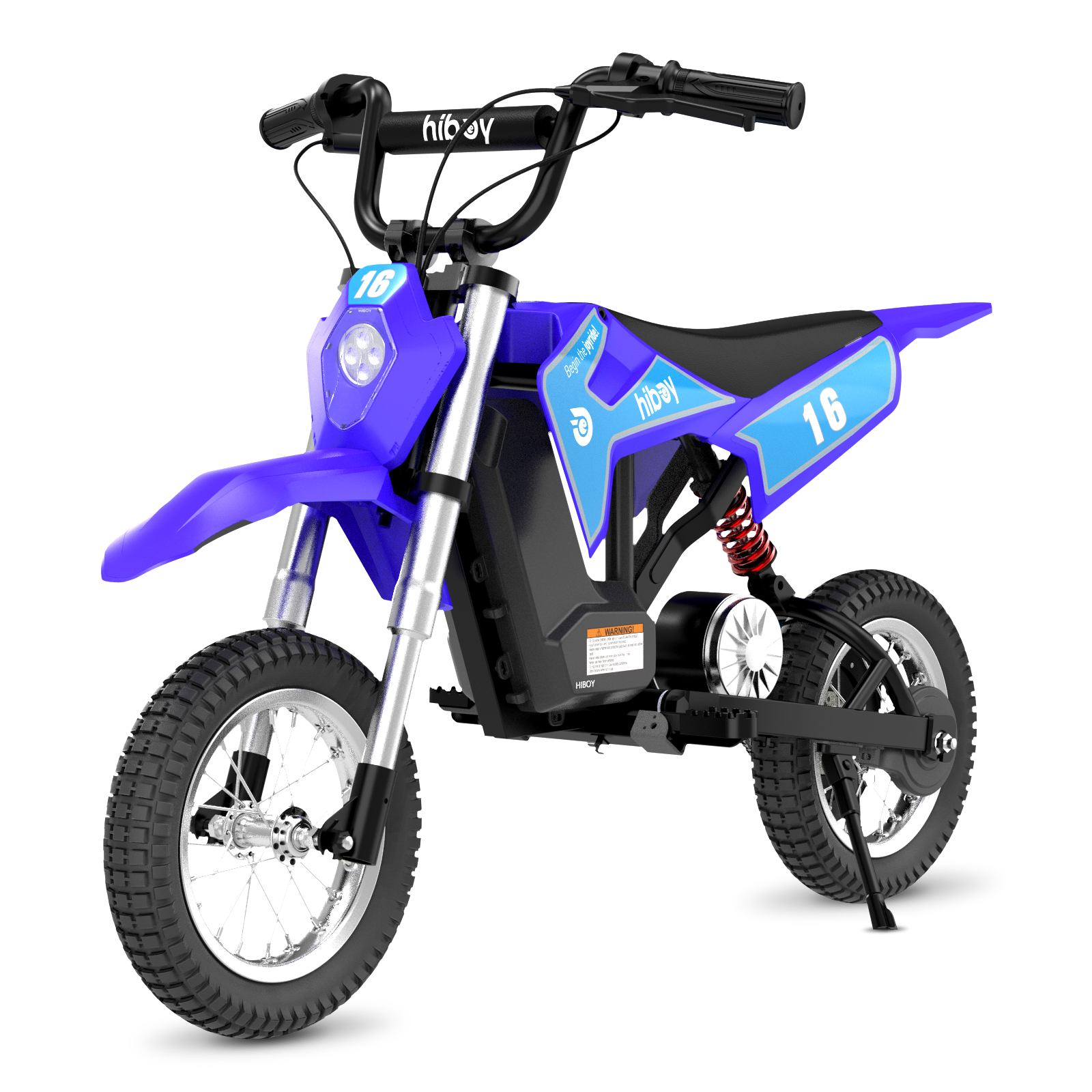 DK1
DK1
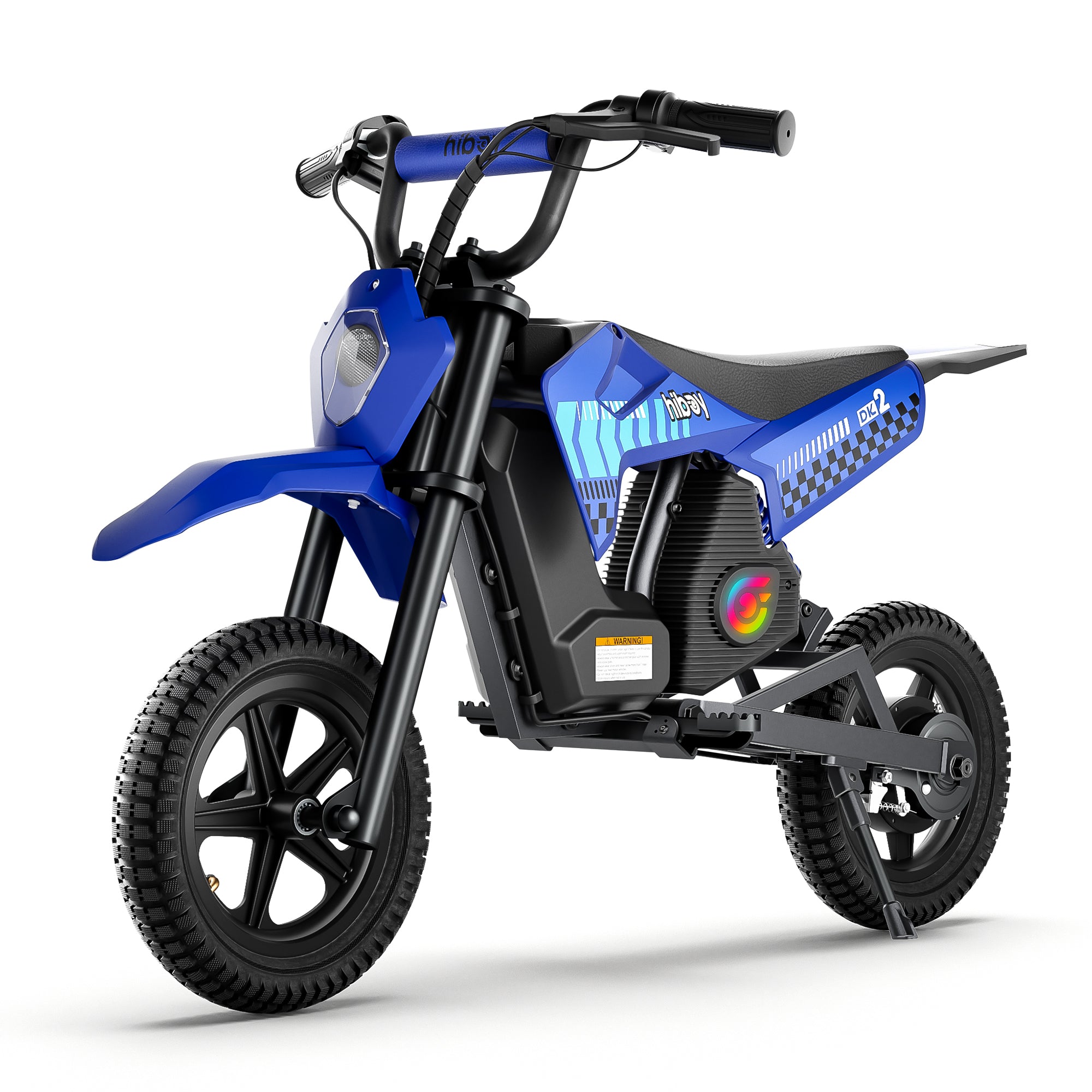 DK2
DK2
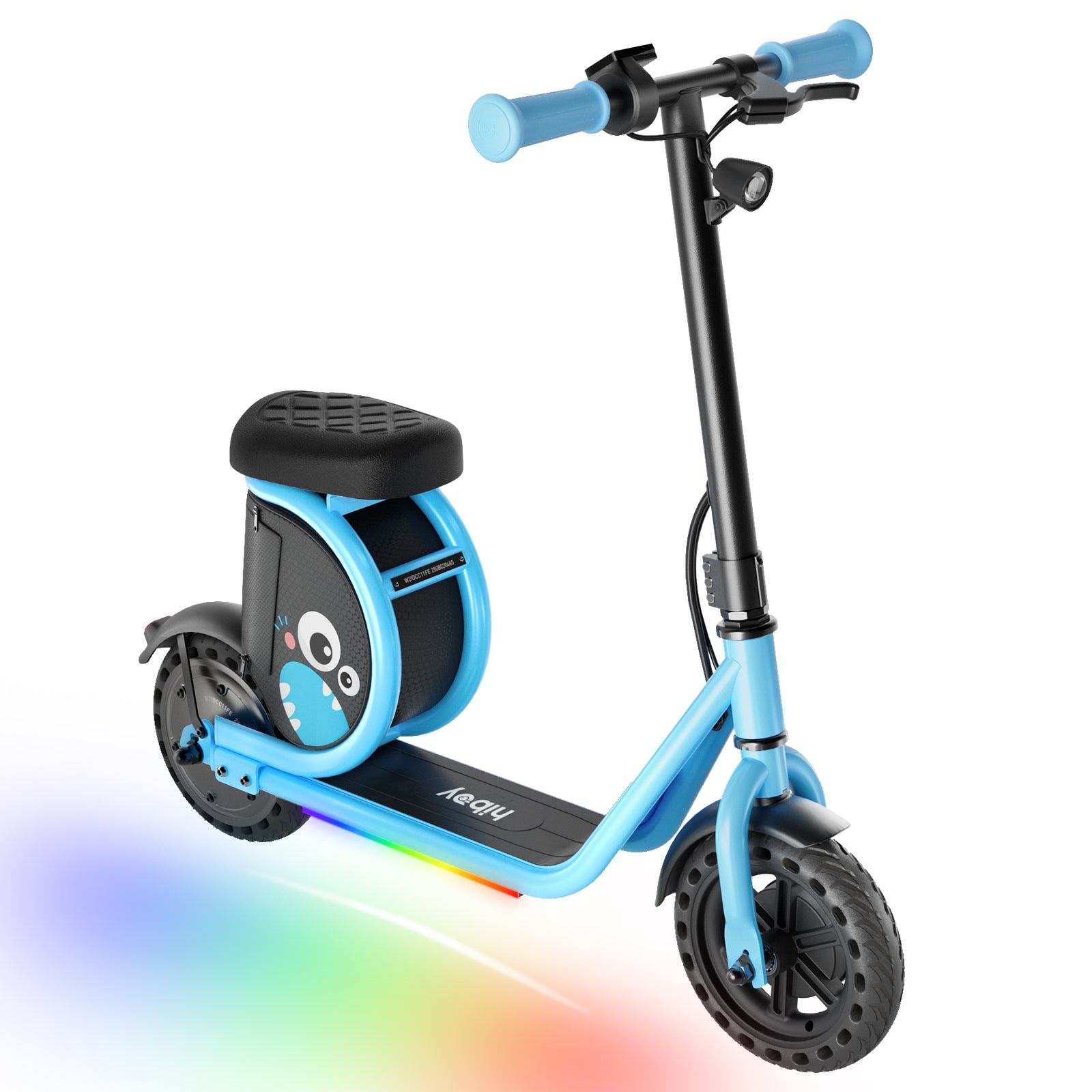 Joy Haul
 Compare Models
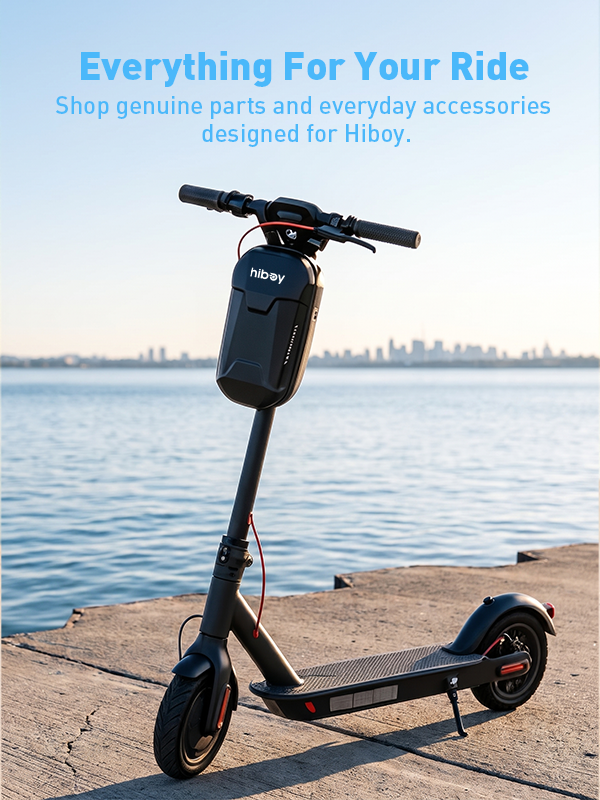
Electric scooters are relatively simple compared with cars or motorcycles, but they still combine several systems—battery, motor, controller, throttle, brakes, tires, wiring, and electronics. When something goes wrong, the cause is not always obvious.
The good news is that many common electric scooter problems are relatively easy to diagnose. A scooter that will not turn on may simply have a depleted battery or a loose connection. A scooter that feels slow may have underinflated tires. A rubbing sound may come from brake adjustment rather than a serious mechanical failure.
The key is to troubleshoot systematically rather than immediately replacing expensive components.
This guide covers the most common electric scooter problems, what usually causes them, what you can safely check yourself, and when it is time to stop riding and seek professional service.
Safety first: Never troubleshoot an electrical or mechanical problem while riding. Turn the scooter off and disconnect it from the charger before inspecting it. If you notice smoke, a burning smell, a swollen or leaking battery, severe structural damage, a stuck throttle, or a brake that does not work properly, stop using the scooter and seek qualified service.
Quick Troubleshooting Guide
| Problem | Common Causes | First Things to Check |
| Scooter won't turn on | Low battery, charger issue, loose connection, electrical fault | Charge battery, check power button and connections |
| Scooter won't charge | Wrong/damaged charger, dirty port, battery issue | Charger, outlet, charging port |
| Battery drains quickly | Cold weather, low tire pressure, heavy load, battery aging | Tire pressure, riding mode, temperature, battery condition |
| Scooter suddenly loses power | Low battery, overload, overheating, electrical protection | Battery level, load, temperature, error code |
| Scooter won't accelerate | Brake signal, throttle issue, loose motor connection, start mode | Brake lever, throttle, motor connection |
| Scooter feels slow | Low battery, low tire pressure, riding mode, load | Battery, tire pressure, settings |
| Brakes feel weak | Worn pads, loose cable, contaminated components | Brake pads, cable, rotor |
| Brakes squeak or rub | Brake alignment, debris, worn components | Rotor, pads, caliper alignment |
| Tire keeps losing air | Puncture, damaged valve, tire/seal issue | Tire and valve |
| Scooter vibrates | Loose fasteners, wheel/tire issue, damaged components | Stem, handlebar, wheels |
| Strange motor noise | Debris, motor issue, loose connection | Wheel and motor area |
| Error code appears | Electrical or component fault | Record code and consult model-specific manual |
| Water-related electrical issue | Moisture in charging port or electronics | Dry completely; don't charge while wet |
1. Electric Scooter Won't Turn On
Few things are more frustrating than pressing the power button and getting nothing.

Before assuming the battery or controller has failed, start with the simplest possibilities.
Common causes
- Battery is deeply discharged
- Scooter was not actually switched on
- Charger or charging connection has a problem
- Battery connection is loose
- Moisture has entered the charging or electrical system
- Display, controller, or wiring has failed
Hiboy's troubleshooting guidance similarly recommends starting with basic power and charging checks before moving toward component replacement.
Easy fixes
Step 1: Charge the scooter.
Connect the original charger and check whether the charger indicator behaves normally. Give the scooter enough time to charge rather than assuming the battery is defective after a few minutes.
Step 2: Check the power button.
Some scooters require you to press and hold the power button rather than tapping it.
Step 3: Check visible connections.
If your particular model has accessible connectors or a removable battery, check that the connection is secure. Do not pull apart sealed electrical components unless the manufacturer's service instructions specifically allow it.
Step 4: Look for an error code.
If the display turns on but shows an error code, record the exact code. It can provide much more useful information than simply knowing that the scooter won't move.
When you need service
If the scooter remains completely unresponsive after charging and basic connection checks, the problem may involve the battery, display, controller, wiring, or another internal component.
At that point, professional diagnosis is preferable to randomly replacing parts.
2. Electric Scooter Won't Charge
A scooter that won't charge does not necessarily have a dead battery.
The charging system includes the wall outlet, charger, charging connector, charging port, battery, and battery management electronics. A problem anywhere along this chain can interrupt charging.
Common causes
- Faulty wall outlet
- Damaged charger
- Incorrect charger
- Dirty or damaged charging port
- Moisture in the charging port
- Battery protection or battery failure
- Damaged charging connection
Hiboy specifically recommends checking the charger and charging system when diagnosing charging problems. Other manufacturers also recommend inspecting the charging port and charger before assuming the battery has failed.

Easy fixes
- Try a different known-working wall outlet.
- Inspect the charger for visible damage.
- Check the charging port for dirt, debris, or moisture.
- Make sure you are using the correct charger for your scooter.
- Allow a wet scooter or charging port to dry completely before charging.
- Check whether the charger indicator changes as expected during charging.
Never force a connector into the charging port.
And avoid experimenting with third-party chargers simply because their voltage or connector appears similar. CPSC recommends using the supplied charger or one specifically approved by the manufacturer.
Important battery warning
If the battery is swollen, leaking, unusually hot, or producing a burning smell, do not attempt to charge it.
Do not open, modify, or repair a lithium-ion battery pack yourself. CPSC specifically warns against using modified or reworked micromobility battery packs.
3. Battery Drains Faster Than Before
A noticeable reduction in range is one of the most common complaints from electric scooter owners.
However, reduced range doesn't automatically mean the battery needs to be replaced.
Common causes
- Low tire pressure
- Cold temperatures
- Increased rider or cargo weight
- Frequent hard acceleration
- Constant use of high-power riding modes
- Hills or rough terrain
- Strong headwinds
- Battery aging
- Long periods of storage without proper charging
Hiboy's maintenance guidance identifies cold weather, underinflated tires, heavier loads, and high-power riding modes as factors that can reduce practical range.
Easy fixes
Check tire pressure first.
Pneumatic tires lose pressure naturally over time. A soft tire creates more rolling resistance, forcing the motor to work harder.
Use the tire pressure recommended for your specific Hiboy model rather than copying the pressure from another scooter.

Consider your riding conditions.
Advertised range is generally measured under controlled conditions. Real-world range can be significantly different when you're riding uphill, carrying more weight, accelerating frequently, or riding in cold weather.
Try a lower-power riding mode.
If you are commuting rather than trying to maximize acceleration, Eco or Standard mode can help reduce energy consumption.
When battery replacement may be appropriate
If range has progressively declined despite correct tire pressure, normal riding conditions, and proper charging, the battery may simply be reaching the end of its useful life.
Other warning signs include unusually long charging times, rapid voltage drop, swelling, leakage, or a burning odor.
4. Scooter Suddenly Loses Power While Riding
A sudden loss of power can be alarming, but there are several possible explanations.
Common causes
- Battery is nearly depleted
- Controller over-current protection
- Motor or controller overheating
- Excessive load
- Loose electrical connection
- Battery protection system activated
- Component failure
Some Hiboy error codes specifically correspond to electrical protection conditions. For example, Hiboy identifies E4 as over-current protection and E5 as low-voltage protection on certain scooter models.
What to do
First, stop riding safely.
Check the battery level and look for an error code. If the scooter or motor feels unusually hot, allow it to cool before attempting another ride.
Also consider what happened immediately before the shutdown:
- Were you climbing a steep hill?
- Were you riding at maximum power?
- Was the scooter carrying more than its rated load?
- Had you been riding continuously for a long period?
If the scooter repeatedly shuts down under normal conditions, don't treat it as something to ignore. Repeated power loss can indicate a controller, battery, motor, or wiring problem.

5. Electric Scooter Won't Accelerate
A scooter that powers on but won't move presents a different problem from one that won't turn on.
Common causes
- Brake lever signal is active
- Throttle malfunction
- Motor connection is loose
- Motor Hall sensor problem
- Controller fault
- Zero-start/kick-start setting
- Error protection is active
Hiboy's troubleshooting guide identifies throttle, motor Hall sensor, phase, controller, and electronic brake faults among its scooter error conditions.
Easy fixes
Check the brake lever
Many electric scooters prevent acceleration when the brake signal is active.
Release the brake lever completely and check whether it returns to its normal position.
Check the throttle
The throttle should move smoothly and return to its original position when released.
If it is physically stuck or does not return correctly, do not ride the scooter.
Segway's safety guidance similarly instructs riders to stop using a scooter immediately if the throttle becomes stuck.
Check whether kick-start mode is enabled
Some scooters are configured so the motor will not engage from a complete standstill. You may need to push the scooter manually to a certain speed before using the throttle.
If your model has this setting, check the owner's manual rather than changing parameters at random.
6. Electric Scooter Is Slower Than Normal
If the scooter still moves but cannot reach its normal speed, start with the basics.
Check these items:
- Battery level: Many scooters reduce performance as battery voltage drops.
- Riding mode: Make sure the scooter has not been accidentally switched to Eco or another lower-speed mode.
- Tire pressure: Underinflated tires increase rolling resistance.
- Rider weight and terrain: Steep hills, strong headwinds, rough surfaces, and heavier loads all reduce achievable speed.
- Speed settings: Some Hiboy models allow speed-related parameters to be adjusted through the display or app. Hiboy's troubleshooting documentation notes that certain models can have speed limitations controlled through specific parameters.
If your scooter suddenly becomes slower despite normal battery charge and riding conditions, check the display for an error code before changing settings.

7. Brakes Feel Weak
Brake problems deserve more attention than almost any other troubleshooting issue because braking performance directly affects rider safety.
Common causes
- Worn brake pads
- Loose brake cable
- Incorrect cable tension
- Misaligned brake components
- Contaminated brake rotor or pads
- Electronic brake fault
Easy checks
Squeeze the brake lever and pay attention to how it feels.
A lever that suddenly feels much looser than normal deserves inspection.
You can also check whether the brake light responds correctly if your scooter uses a brake-activated taillight.
For mechanical disc brakes, inspect the brake pads and rotor for obvious wear, contamination, or misalignment.
NIU recommends checking mechanical braking first and notes that persistent electronic braking problems require service.
When not to DIY
If braking performance has noticeably deteriorated, don't continue riding while waiting for replacement parts.
A scooter that accelerates perfectly but cannot stop properly is not safe to ride.
8. Brakes Squeak, Rub, or Make Noise
A little brake noise does not always mean something is seriously wrong.
Possible causes include:
- Brake rotor contamination
- Brake pad wear
- Misalignment
- Brake cable tension
- Debris
- Normal friction from the braking system
Hiboy's troubleshooting information recommends brake adjustment for certain front-wheel noise complaints, while other manufacturers similarly identify brake adjustment and alignment as common solutions.
What you can check
With the scooter powered off, inspect the brake assembly and wheel.

Look for:
- Visible debris
- A rotor that appears significantly bent
- Pads that are excessively worn
- A wheel that does not spin freely when the brake is released
Do not touch a brake rotor immediately after riding. It can become very hot.
If the rotor is visibly damaged or the brake continues rubbing after adjustment, have it inspected or replaced.
9. Electric Scooter Tire Keeps Losing Air
Pneumatic scooter tires naturally require periodic inflation.
If you inflate a tire and it becomes soft again within a short period, however, there may be a leak.
- Common causes
- Puncture
- Damaged tire
- Faulty valve
- Damaged inner tube, if applicable
- Rim or sealing problem on certain tire designs
- Easy fix
First inflate the tire to the manufacturer's recommended pressure.
Then inspect the tread and sidewall for nails, glass, cuts, or other foreign objects.
For a suspected slow leak, soapy water around the valve and tire area can help reveal escaping air through bubbles.
Don't continue riding on a severely underinflated tire. It increases rolling resistance and can negatively affect handling.
Manufacturers including Segway recommend checking tire condition and pressure as part of the pre-ride inspection.
10. Scooter Vibrates or Feels Loose
A new vibration should not automatically be dismissed as normal.
Common causes
- Loose stem bolts
- Loose handlebar clamp
- Wheel problem
- Tire deformation
- Loose folding mechanism
- Suspension fasteners becoming loose
- Damaged bearings or other components
Easy inspection
With the scooter switched off:
- Check that the handlebar is firmly secured.
- Check the stem for unusual movement.
- Inspect the folding mechanism, if equipped.
- Check the wheels for excessive play.
- Inspect the tires for bulges or visible damage.
- Check visible fasteners for looseness.
Segway's safety documentation specifically recommends checking the handlebar, steering system, wheels, folding mechanism, fasteners, brakes, and tires before riding.

If the scooter develops significant wobbling at speed, stop riding it until the cause has been identified.
11. Motor Makes a Strange Noise
Electric motors are normally relatively quiet, so a new grinding, clicking, scraping, or rattling sound deserves attention.
Possible causes
- Debris near the motor or wheel
- Brake rubbing
- Loose fasteners
- Damaged motor components
- Motor cable or Hall sensor problem
- Wheel or bearing problem
The first step is to determine whether the sound occurs:
- only when accelerating,
- only while braking,
- whenever the wheel spins,
- or even when the scooter is stationary.
That distinction can help narrow down the problem.
For example, a scraping sound that occurs whenever the wheel rotates may point toward the wheel or brake assembly rather than the electrical system.
If the motor produces unusual noise together with an error code, sudden power loss, vibration, or overheating, stop riding and seek service.
12. Electric Scooter Shows an Error Code
Modern scooters use error codes to communicate problems with components that riders cannot easily inspect.
Do not assume every error code means the same thing across brands—or even across different models from the same brand.
For example, Hiboy's current troubleshooting information associates different codes with the motor, electronic brake, throttle, display/controller communication, over-current protection, low voltage, motor Hall sensors, phase loss, and controller faults.
Other manufacturers use completely different code systems. NIU, for example, uses its own codes for accelerator, battery over-discharge, and other faults.
The correct approach
When an error code appears:
- Stop riding if the scooter behaves abnormally.
- Take a photo of the display.
- Record the exact code.
- Check the manual or official troubleshooting guide for your exact model.
- Follow the manufacturer's recommended procedure.
Avoid searching for a generic "E7 fix" and applying instructions from a completely different scooter.
13. Scooter Gets Wet or Has Been Ridden in Rain
Water can create problems that don't appear immediately.

Moisture can enter through charging ports, connectors, switches, or other openings, depending on the scooter's design and water-resistance rating.
If your scooter gets wet
- Turn it off.
- Move it to a dry location.
- Wipe away external moisture.
- Allow the scooter and charging port to dry completely.
- Do not immediately connect the charger.
Hiboy's maintenance guidance specifically warns against charging a wet scooter and identifies water entry as a major source of electrical problems.
Also remember that water resistance does not mean waterproof. Always follow the water-resistance limitations specified for your particular model.
14. Dashboard or Display Behaves Strangely
A display that flickers, goes blank, freezes, or shows incorrect information can have several causes.
- Possible causes
- Loose display connection
- Low battery voltage
- Moisture
- Communication problem between display and controller
- Display failure
- Controller problem
If the display turns on but shows an error code, record it before attempting anything else.
If it is completely blank, start with battery and power checks. Hiboy identifies display-controller communication problems as a specific troubleshooting category on some models.
What Electric Scooter Problems Can You Fix Yourself?
Not every repair requires a technician. A useful way to think about troubleshooting is to divide problems into basic maintenance and electrical/component repair.
Usually reasonable for owners to check
- Tire pressure
- Tire condition
- Visible debris
- Brake lever operation
- Brake noise
- Visible loose fasteners
- Charging-port cleanliness
- Charger condition
- Battery charge level
- Riding mode
- Error-code information
- External cable connections specifically identified in the manual
Usually better left to qualified service
- Opening the battery pack
- Rebuilding a lithium-ion battery
- Replacing internal battery cells
- Controller replacement
- Motor replacement
- Internal wiring repair
- Persistent electrical faults
- Damaged structural components
- Severe brake-system damage
- Repeated unexplained power loss
The distinction is important: "easy fix" should never mean "take apart the battery and see what happens."

A 5-Minute Electric Scooter Troubleshooting Routine
When your scooter behaves unexpectedly, don't immediately start replacing parts.
Use this sequence instead.
1. Stop and switch it off
Never troubleshoot while riding.
2. Check the battery
Is it charged? Is the battery level unusually low?
3. Check the display
Is there an error code or warning?
4. Check the obvious mechanical components
Look at:
- Tires
- Brakes
- Wheels
- Stem
- Folding mechanism
- Visible fasteners
5. Check the charging system
If the problem involves charging, inspect the outlet, original charger, and charging port.
6. Think about what changed
Ask yourself:
- Did the problem begin after rain?
- After hitting a pothole?
- After transporting the scooter?
- After a long ride?
- After storing it for several weeks?
- After changing a setting?
This information can be extremely useful when diagnosing the problem.
7. Consult the model-specific manual
A generic troubleshooting guide can help you identify the category of a problem, but your owner's manual should take priority for model-specific procedures.
How to Prevent Common Electric Scooter Problems
The easiest repair is the one you never have to make.
A few minutes of preventive maintenance can catch many problems before they become expensive, or dangerous.
Before Every Ride
Check:
- Brake operation
- Tire condition and pressure
- Throttle operation
- Steering and handlebar stability
- Folding mechanism
- Battery level
- Lights
- Dashboard
- Visible loose or damaged parts
Segway recommends checking brakes, tires, steering, fasteners, battery status, lights, and other key components before riding.

Regularly
- Keep tires at the recommended pressure.
- Inspect brake pads and cables.
- Check visible fasteners.
- Clean dirt from the scooter.
- Keep the charging port clean and dry.
- Check tires for cuts and excessive wear.
- Monitor changes in battery range.
- Pay attention to new noises or vibrations.
When Charging
Use the correct charger and follow the manufacturer's charging instructions.
CPSC recommends being present while charging micromobility products, never charging while sleeping, using the supplied or manufacturer-approved charger, and unplugging the device when charging is complete.
When Should You Stop Riding Your Electric Scooter?
Some problems are minor inconveniences. Others are warning signs that continuing to ride could put you at risk.
Stop riding and seek professional assistance if you notice:
- Brake failure or significantly reduced braking performance
- A throttle that sticks or does not return properly
- Smoke or a burning smell
- A swollen, leaking, or unusually hot battery
- Repeated unexpected power loss
- Severe shaking or steering instability
- A damaged frame or stem
- A significantly damaged wheel or tire
- Persistent electrical error codes
- Motor overheating
- Unusual electrical noises accompanied by loss of performance
CPSC emphasizes that micromobility products and batteries should be used according to manufacturer instructions and that modified or improperly handled battery packs can create serious fire hazards.
Final Thoughts
Most electric scooter problems don't require immediately replacing the scooter.
A systematic inspection can often identify a simple cause: low tire pressure, a depleted battery, an incorrectly selected riding mode, a dirty charging port, a loose visible connection, or a brake that needs adjustment.
The important part is knowing where DIY troubleshooting ends.
For mechanical maintenance and basic checks, learning how your scooter works can save time and money. For battery damage, persistent electrical faults, controller problems, motor failures, or safety-critical issues such as brake and throttle failures, professional service is the better choice.
And when troubleshooting a Hiboy electric scooter, always use the specific manual and official troubleshooting information for your model. Error codes and repair procedures can differ between models, so the most accurate solution is always the one matched to your exact scooter.
A few minutes of regular inspection can make your ride safer, more reliable, and much more enjoyable.








Leave a comment
All comments are moderated before being published.
This site is protected by hCaptcha and the hCaptcha Privacy Policy and Terms of Service apply.